You have an index.html file. Maybe it's a landing page a client asked for by tomorrow. Maybe it's a prototype you want to share in Slack. Maybe it's a one-page resume or a generated report. You don't want to learn git, configure DNS, or wait for a build pipeline. You just want a link.
This guide walks through the realistic options for getting an HTML file online without GitHub, without Netlify, and without spinning up a server. It covers what each approach is actually good for, where the friction hides, and how to pick one based on how long the page needs to live.
What "hosting an HTML file" actually means
To serve an HTML file on the public web, three things need to happen:
- The file (and any CSS, JS, images, or fonts it references) lives somewhere reachable over HTTPS.
- A web server responds to requests for that URL with the file's contents and the correct
Content-Type. - A certificate is issued for the domain so browsers don't flag it as insecure.
Traditional stacks make you handle all three yourself. Static hosts bundle them together. The differences below are mostly about how much of that bundling you have to think about.
The usual options, honestly compared
GitHub Pages
Free and durable, but assumes you're comfortable with git. You create a repo, push your HTML, configure a Pages source, and wait for a deploy. Custom domains and HTTPS work, but the workflow is built for developers who already use GitHub daily.
Good for: long-lived personal projects you'll keep updating from a terminal. Bad for: one-off pages, non-technical collaborators, or anything you need live in two minutes.
Netlify and Vercel drag-and-drop
Both offer drag-and-drop zip uploads in addition to their main git-based flows. You get a live URL and HTTPS without configuring anything. The catch is that these platforms are designed around build pipelines, framework integrations, and serverless functions, features you don't need if you just want to host one HTML file. The account setup, dashboard, and pricing model reflect that scope.
Good for: anyone already using them for a framework project. Bad for: if you want a focused, low-overhead tool for plain static files.
Cloud storage buckets (S3, Cloudflare R2, etc.)
You can serve static files directly from an S3 bucket or similar. It works, it's cheap, and it scales. It's also a configuration project: bucket policies, public-read ACLs, index documents, CloudFront or similar in front for HTTPS, and a custom domain hooked up through Route 53 or your DNS provider.
Good for: engineers who want full control and don't mind YAML. Bad for: people who want a link by lunch.
A VPS or shared host
Spin up a $5 server, install nginx, copy the file, configure a vhost, get a Let's Encrypt cert. Total power, total responsibility. You're now also a sysadmin.
Good for: when you need server-side logic anyway. Bad for: a static HTML file.
Pastebin-style HTML hosts
There are services that let you paste HTML and get a link. They're fine for throwaway snippets, but most don't let you upload assets, structure a multi-page site, or use a custom domain. The links often look untrustworthy in client emails.
Good for: showing a quick code sample. Bad for: anything you'd put your name on.
The faster path: drag-and-drop static hosting
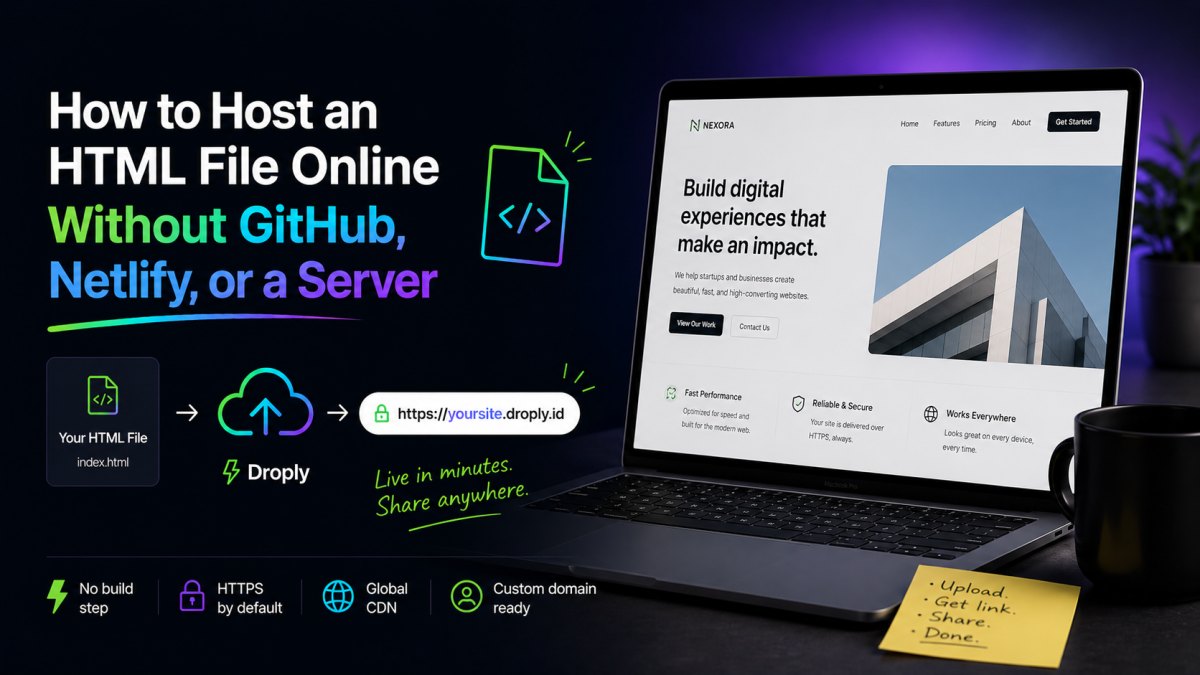
If your goal is just "this file, online, with a real HTTPS link," there's a lighter category of tools built specifically for that. Droply is one of them: you drag an HTML file (or a ZIP, or a PDF) onto the page, pick a name, and you get a live URL at name.droply.id in seconds. No git. No build step. No server config.
A few things that matter in practice:
- Static only. Droply hosts pre-built output, HTML, CSS, JS, images, PDFs. It doesn't run builds or server-side code. That's a feature, not a limitation: there's nothing to misconfigure and nothing to wait for.
- Re-uploads replace in place. The URL never changes. Send the link once; update the file as many times as you want.
- ZIPs work the same as single files. If your site has multiple pages and an
assets/folder, zip the whole thing and drop it in. The structure is preserved. - PDFs are first-class. Drag a PDF and you get a shareable link, same as an HTML file. Useful for proposals, reports, and case studies.
- Custom domains are available on paid plans, along with removing the default "powered by" banner. See pricing for details.
This is the right tool when the work is already done and you just need it on the internet.
A practical workflow for a single HTML file
Say you have index.html and a folder of images. Here's the lowest-friction path:
- Put
index.htmlat the top level of a folder, with any assets it references in subfolders next to it. - Open the file locally in a browser. Confirm every image, font, and stylesheet loads. Broken paths locally will be broken paths in production.
- Use relative paths (
./assets/logo.png), not absolute ones (/Users/you/...). Absolute paths to your local disk will not work online. - Zip the folder if there's more than one file. If it's truly just one HTML file with no external assets, you can upload it directly.
- Drop it into a static host, pick a name, and copy the link.
That's it. The total time from "I have a file" to "I have a URL" should be under a minute.
What to check before sharing the link
A few things that catch people out:
- Mixed content. If your HTML references resources over
http://instead ofhttps://, browsers will block them on a secure page. Update those URLs. - Cache behavior. If you re-upload an updated version and still see the old page, hard-refresh (Cmd/Ctrl+Shift+R) or open in a private window.
- External fonts and scripts. If your page pulls from Google Fonts, a CDN, or analytics, make sure those URLs are stable. A live page is only as reliable as its dependencies.
- Forms. A static host can't process form submissions on its own. Point your form's
actionat a service like Formspree or a webhook, or skip the form on the hosted version.
How to pick
Pick based on how long the page needs to live and who maintains it:
- One-time share, today: drag-and-drop static host. Done in under a minute.
- Client deliverable with a custom domain: drag-and-drop static host on a paid plan, or a static host with git if you want version control.
- Long-lived project you'll edit constantly from a terminal: GitHub Pages or a git-based host.
- You need a backend: you don't need this article; you need a VPS or a platform-as-a-service.
For the first two, which covers most freelancer, agency, and founder work, a focused tool like Droply is the shortest distance between "I have a file" and "here's the link." That's the whole point.