If you have an HTML file, a folder of static assets, or a one-off PDF, you do not need a server, a build pipeline, or a hosting account that asks for a credit card. Plenty of free options will give you a public HTTPS URL in minutes. The catch is that "free" means different things on different platforms, and the cheapest path is not always the fastest one.
This guide covers what free HTML and static hosting actually includes, where the trade-offs hide, and how to pick a tool that matches the job.
What counts as static hosting
Static hosting serves pre-built files exactly as they are: HTML, CSS, JS, images, fonts, PDFs. There is no server-side code, no database, no runtime. When a visitor hits your URL, the host just returns the file.
That sounds limiting, but the modern static stack covers a lot:
- Landing pages and marketing sites
- Portfolios and case studies
- Documentation
- Client deliverables and proofs
- Prototypes built with Webflow, Framer exports, Figma plugins, or any SSG
- One-off PDFs you need to share with a clean link
Anything that runs in the browser, including SPAs that talk to third-party APIs, is fair game. Anything that needs a long-running backend is not.
What to look for in a free plan
Free tiers vary widely. Before you upload, check these:
How you deploy
The big distinction is drag-and-drop versus git-based. Git workflows (GitHub-connected hosts, CLIs, build pipelines) are powerful but require setup: a repo, a config file, sometimes a build command. Drag-and-drop works when you already have built files and just want them online.
If you are shipping a Figma export, a Webflow export, a ZIP from an SSG, or a single HTML file a client sent you, drag-and-drop wins on speed every time.
HTTPS by default
Any modern host should give you HTTPS automatically. If it doesn't, walk away. Mixed-content warnings and "not secure" badges kill trust on shared links.
A URL you can actually share
Some free hosts give you long, awkward subdomains with random hashes. Others let you pick a readable name. For client work and prototypes, a clean subdomain like clientname.example.com matters more than people admit.
Updates without breaking the link
The worst free-hosting experience is uploading a v2, getting a new URL, and having to re-send it to everyone. Look for hosts where re-uploading replaces content in place so the URL never changes. This matters most when the link is already in an email, a Slack thread, or a contract.
Bandwidth and storage limits
Free tiers always cap something. Read the actual numbers. A 100 MB project with 50 visitors a day will fit almost anywhere. A 500 MB documentation site getting linked from Hacker News will not.
Custom domain support
Most free tiers give you a subdomain on the host's domain. Custom domains are usually a paid feature. That's fine for prototypes and internal links, but if you need yourbrand.com, plan for an upgrade.
Branding
Some free hosts inject a banner, footer, or "powered by" badge. For personal projects this is fine. For client deliverables, it can look unprofessional. Check before you send anything to a paying customer.
The main categories of free static hosting
Git-based platforms
These connect to a GitHub or GitLab repo, run a build command, and deploy the output. They are excellent for ongoing projects with a real codebase. The trade-off is setup time and the assumption that you want a build step at all.
Good fit for: long-running projects, teams already using git, anything with frequent code changes.
Not a fit for: one-off deliverables, exported sites, PDFs, or files you just want online now.
Object storage with a CDN
You can host static files on raw object storage and put a CDN in front. It is cheap and flexible, but you assemble it yourself: buckets, permissions, cache headers, certificates, DNS. There is no UI for "pick a name and go."
Good fit for: developers comfortable with infrastructure who want full control.
Not a fit for: anyone who wants a link in under a minute.
Drag-and-drop static hosts
These exist specifically for the "I have files, give me a URL" case. You upload an HTML file, a ZIP, or a PDF, choose a name, and get a live site. No repo, no build, no config.
Good fit for: exports from design tools, prototypes, client previews, PDFs, single-page sites, and anything you would otherwise zip up and email.
This is the category Droply sits in.
Where Droply fits
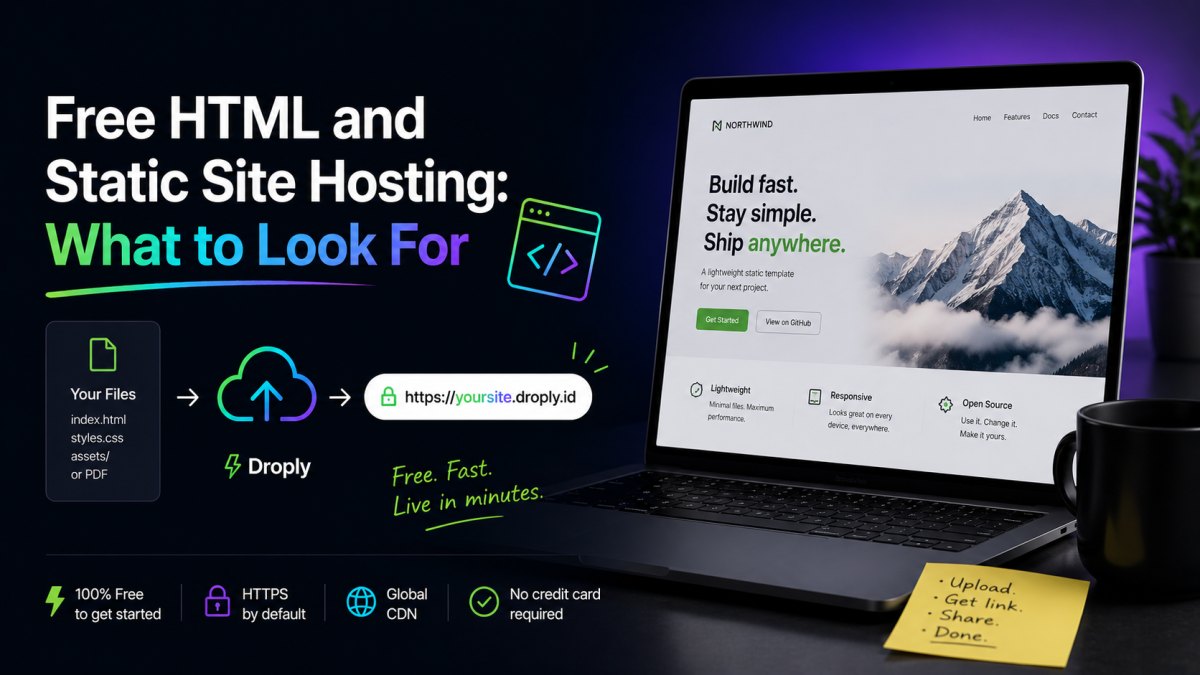
Droply is built for the case where you already have the files and just want them live. You drag an HTML file, a ZIP of a static site, or a PDF onto the page, pick a name, and your content is available at name.droply.id over HTTPS in seconds.
A few specifics worth knowing:
- Static only. Droply hosts pre-built output. It does not run builds or execute server-side code. If your project needs a build step, run it locally or in your existing tooling, then drop the output ZIP in.
- The URL is stable. Re-uploading replaces the content in place. The link you sent a client last week still works after you ship v2.
- Free tier covers most prototype work. You get a
droply.idsubdomain with HTTPS. Paid plans add custom domains and remove the "powered by" banner, see pricing. - PDFs are first-class. Drop a PDF, get a clean shareable link. Useful for proposals, decks exported to PDF, and documentation.
It is not the right tool if you want git-based continuous deployment, server-side rendering, or APIs. For those, use a platform built around them. For everything else, the export, the prototype, the deliverable, the document, drag-and-drop is faster.
A practical decision guide
- You have a repo and a build command. Use a git-based platform.
- You have built files or an export. Use a drag-and-drop static host.
- You have a PDF to share. Use a drag-and-drop static host. Avoid generic file-sharing services that wrap your PDF in their own viewer.
- You need a custom domain on day one. Check the paid tier of whichever option you pick. Free tiers almost never include this.
- You are sharing with a paying client. Pay the small amount to remove host branding. It is worth it.
The bottom line
Free static hosting is genuinely good now. The right choice depends on whether you are maintaining a codebase or shipping a deliverable. For codebases, embrace git-based deployment. For everything else, exports, prototypes, PDFs, and one-off pages, a drag-and-drop host like Droply gets you to a live HTTPS URL in less time than it takes to write the email announcing it.