The fastest way to share a Figma prototype export is to upload the exported files somewhere that gives you a live web link, so anyone can open it in a browser without a Figma account. Figma's own share link works too, but it requires the viewer to log in or accept an invite, which is friction you don't need when you're sending something to a client at 6pm on a Friday.
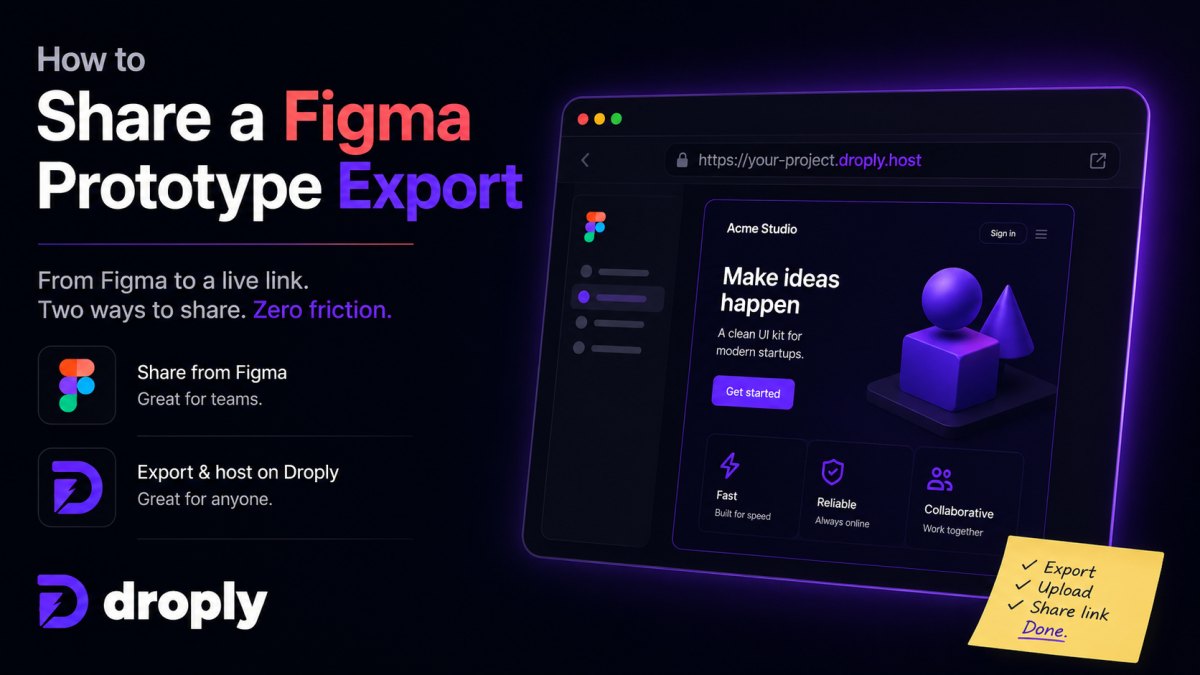
This guide covers both routes: sharing directly from Figma, and exporting your prototype as static files (plain HTML pages that don't need a server to run) and hosting them with a tool like Droply so you get a permanent, no-login link.
What's the difference between a Figma share link and an exported build?
A Figma share link opens the prototype inside Figma's own viewer, which means the person needs a Figma account (or at least a free guest login) and an internet connection to Figma's servers. An exported build is a set of static files (HTML, images, CSS) generated by a plugin, which you can host anywhere and open like any normal website, no Figma account required.
Share links are best for quick internal feedback with people already on your team. Exported builds are better when you're sending a prototype to a client, a stakeholder outside your company, or anyone who might be annoyed by a login wall.
How do I export my Figma prototype as static files?
Figma doesn't have a native "export as website" button, but community plugins fill the gap. Two common ones:
- Figma to HTML style plugins that export frames as a navigable HTML site with clickable hotspots matching your prototype flow.
- Manual export of frames as PNG/SVG plus a simple HTML wrapper if you want full control.
Run the plugin, export, and you'll get a ZIP file (a compressed folder) containing an index.html file and any assets it needs. That ZIP is what you'll upload to get a live link.
How do I turn that export into a link I can send?
Once you have the ZIP or the HTML file, drag it onto Droply, pick a name, and your prototype is live at yourname.droply.id in seconds. There's no git (a code versioning tool), no build step, and no server setup: Droply just hosts the file exactly as exported and serves it over HTTPS.
The exact flow:
- Export your prototype from Figma as a ZIP (or a single HTML file if that's all the plugin gives you).
- Go to Droply and drag the file onto the upload area.
- Type a name, like "acme-onboarding-v2".
- Copy the link: acme-onboarding-v2.droply.id, and paste it into your email or Slack message.
If you update the prototype later, export again and re-upload with the same name. The URL never changes, so you don't have to re-send a new link every round of feedback, which matters a lot when a client has already bookmarked the old one or pasted it into a deck.
What if my export won't work as a hosted site?
If your exported HTML relies on Figma's own viewer scripts to work (some plugins do this), it may not render correctly outside Figma. Check by opening the exported index.html file locally in your browser first: if it looks right, it'll work fine once hosted.
If it doesn't render, fall back to exporting flat images (PNG or PDF) of each screen and hosting those instead, or stick with Figma's built-in share link for that particular prototype. Droply also hosts PDFs directly the same way, drag it on, name it, done, which is a solid backup if the interactive export is being difficult.
Quick reference: which sharing method fits your situation
| Situation | Best option |
|---|---|
| Quick feedback from teammates already in Figma | Figma share link |
| Client or external reviewer, no Figma account | Exported HTML hosted on Droply |
| Prototype has custom fonts or complex interactions | Test locally first, then host if it renders |
| You just need to show static screens, no clicks | Export as PDF, host on Droply |
| You want a permanent link that survives re-exports | Droply (URL stays the same on re-upload) |
Do I need a developer to host an exported prototype?
No. Hosting a static export doesn't require writing code or configuring a server, it's just uploading files. Tools built for this, like Droply, are designed for exactly this drag-and-drop use case, so a designer or founder can do it without pulling in engineering time.
If you're already comfortable with git and command lines, you could push the export to GitHub Pages or a similar service, but for a one-off client share, that's a lot of extra steps for the same result.
FAQ
Can I password-protect a shared prototype? Figma's own share links support view permissions and access controls within Figma. If you're hosting an exported static build elsewhere, check whether your host offers that; otherwise, treat the link as unlisted rather than fully private, and avoid sending it anywhere public.
Will the exported version look exactly like the Figma prototype? Mostly, but interactions that depend on Figma's live rendering engine (like some smart animate transitions) may not translate perfectly to static HTML. Always preview the exported file locally before sending it out.
Can I use my own domain instead of a droply.id link? Yes, paid Droply plans support custom domains and remove the "powered by" banner. See pricing for details.
What happens if I need to send an updated version after feedback? Re-export from Figma and re-upload to Droply using the same project name. The link stays identical, so anyone with the old URL automatically sees the latest version.
Drag your exported prototype onto Droply and it's live in seconds, ready to send to anyone without a Figma login in the way.