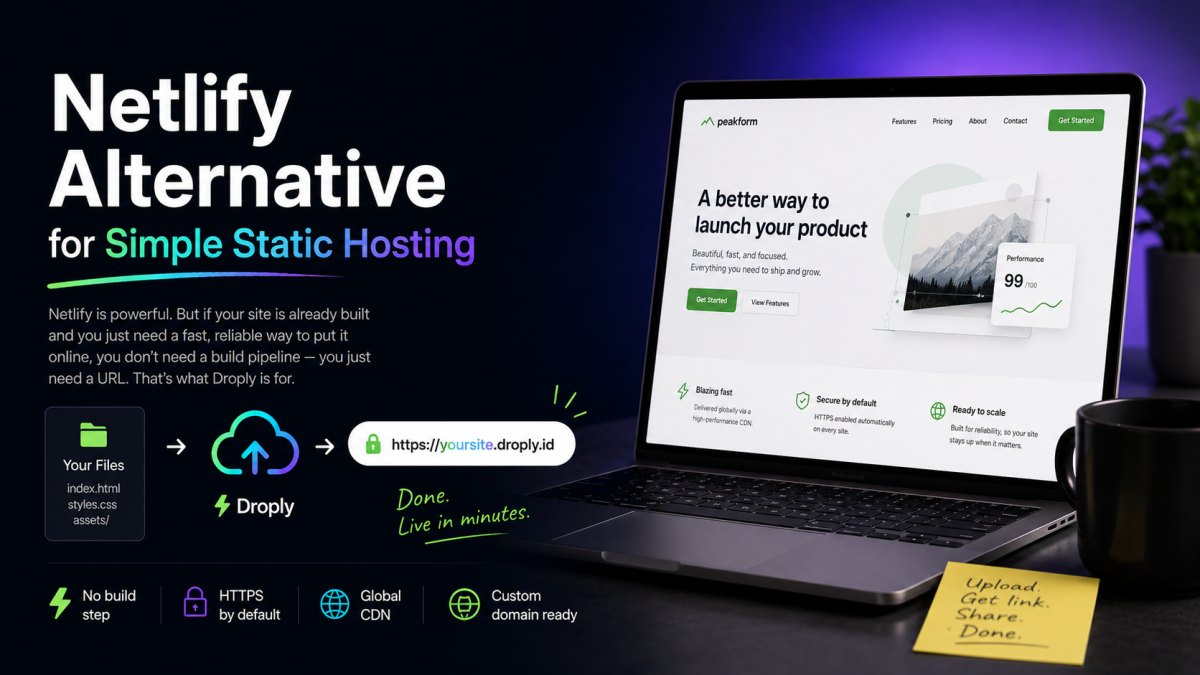
Netlify is a capable platform. It runs builds, manages deploy previews, handles serverless functions, and integrates tightly with git. For many teams, that's the right tool. For many others, it's more than they need, and the friction shows up every time someone just wants to put a static file online.
If you've ever zipped up a finished site, opened a hosting dashboard, and thought "why is this so many steps," you're the audience for this article. Droply is built for the case where the site is already done and you just need a URL.
Who should consider switching
You'll get the most out of Droply if you recognize yourself in any of these:
- Freelancers and designers shipping one-off client sites, landing pages, or pitch decks exported to HTML.
- Agencies that hand off static deliverables and want a fast staging URL without onboarding the client to a git workflow.
- Indie developers prototyping with a static site generator locally and wanting to share the
dist/folder without wiring up CI. - Founders publishing a quick marketing page, changelog, or investor doc as a PDF.
- Anyone hosting documentation, style guides, or brand assets that are built somewhere else and just need a stable home.
If your workflow involves serverless functions, on-platform builds, branch previews tied to pull requests, or form handling at the edge, Netlify is probably still the better fit. Droply is intentionally narrower.
What Droply does differently
The short version: Droply hosts what you give it. It doesn't build, it doesn't run server-side code, and it doesn't ask you to connect a repo.
No build step
Netlify is designed around the build. You point it at a repository, configure a build command, set environment variables, and it produces the output that gets served. That's powerful when you want it and overhead when you don't.
Droply skips that layer entirely. You build locally (or you don't build at all, because it's already HTML), and you upload the finished output. The platform's job starts after yours ends. That means:
- No build minutes to worry about.
- No build failures from a dependency change upstream.
- No waiting for a queue when you push a small fix.
- No
netlify.tomlto maintain.
Drag, drop, live
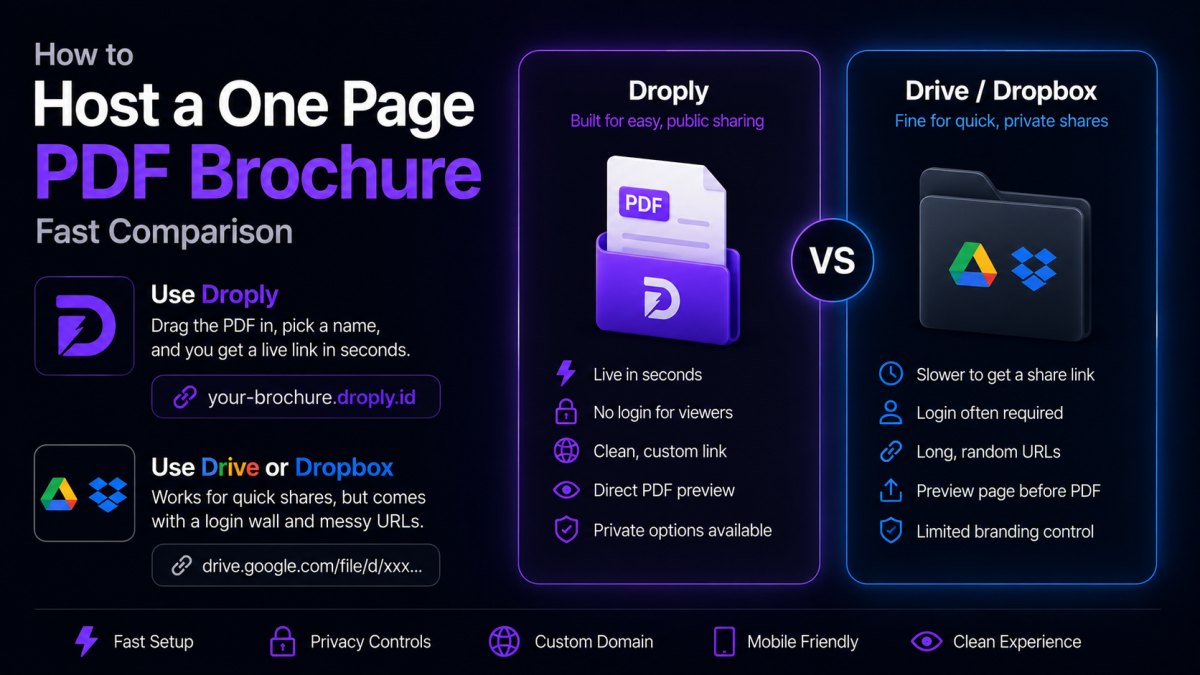
The core interaction is one screen. Drag an HTML file, a ZIP of a static site, or a PDF onto the page. Pick a subdomain. You get an HTTPS URL at <name>.droply.id in seconds.
There's no project to create first, no team to invite, no git remote to add. If you can email a file, you can deploy with Droply.
Stable URLs on re-upload
When you re-upload to the same name, the content is replaced in place and the URL stays the same. You can send a link to a client on Monday, push three rounds of revisions, and the link still works on Friday. No new preview URL per change, no stale links in Slack threads.
Custom domains on paid plans
Free sites live at <name>.droply.id with a small "powered by" banner. Paid plans add custom domains and remove the banner. See pricing for the current plans.
Static only, on purpose
Droply serves pre-built output. It doesn't execute user code on the server, run scheduled functions, or proxy API requests. That's a real limitation if you need those things, and a feature if you don't, fewer moving parts, fewer ways for a deploy to break, and a smaller surface area to reason about.
How to migrate a pre-built site from Netlify
If your Netlify site is already producing static output, migration is mostly a copy job. Here's the path.
1. Locate or generate your build output
If you build locally, you already have the output folder, typically dist/, build/, public/, _site/, or out/ depending on your generator (Vite, Create React App, Eleventy, Astro, Next.js static export, Hugo, Jekyll, and so on).
If you only build on Netlify, run the same build command locally:
npm install
npm run build
The result should be a folder you can open in a browser and click around in. If it works locally as static files, it will work on Droply.
2. Check your links and asset paths
Most static sites use relative paths and work anywhere. A few things to double-check:
- Absolute paths like
/assets/style.csswill resolve correctly on a subdomain. - Hardcoded canonical URLs pointing to the old Netlify domain should be updated before you migrate, or after you set up a custom domain.
- Client-side routing (single-page apps) generally works for the entry path; deep links depend on how your build handles fallback routing.
3. Zip and upload
Zip the contents of your output folder, not the folder itself. The index.html should be at the root of the archive.
Open Droply, drag the ZIP onto the upload area, pick a name, and you'll get a live URL. Test it.
4. Point your domain
If you're on a paid plan, add your custom domain in the dashboard and update your DNS. Until propagation completes, the droply.id URL keeps working, so you have a smooth cutover.
5. Decommission the old deploy
Once the new site is live and the domain is moved, you can pause or delete the Netlify project. Keep the repository, Droply doesn't replace your source control, it replaces the hosting and build layer for sites that don't need one.
When to stay on Netlify
To be fair: don't switch if you actually use what Netlify offers. If you rely on automatic deploys from git, pull request previews, edge functions, form submissions, identity, or split testing, those are real features and Droply doesn't try to replicate them.
The point isn't that Droply is better. The point is that for a large slice of static hosting, the slice where you have a finished thing and you need a URL, a full platform is overkill. A simpler tool is faster, and faster matters when you're shipping client work, demos, or one-page sites every week.
Try it on your next static site
Pick the next small thing you'd normally push through a full build pipeline, a landing page, a brand guide, a one-off prototype, and try Droply instead. If it fits, you'll feel it in the first thirty seconds.