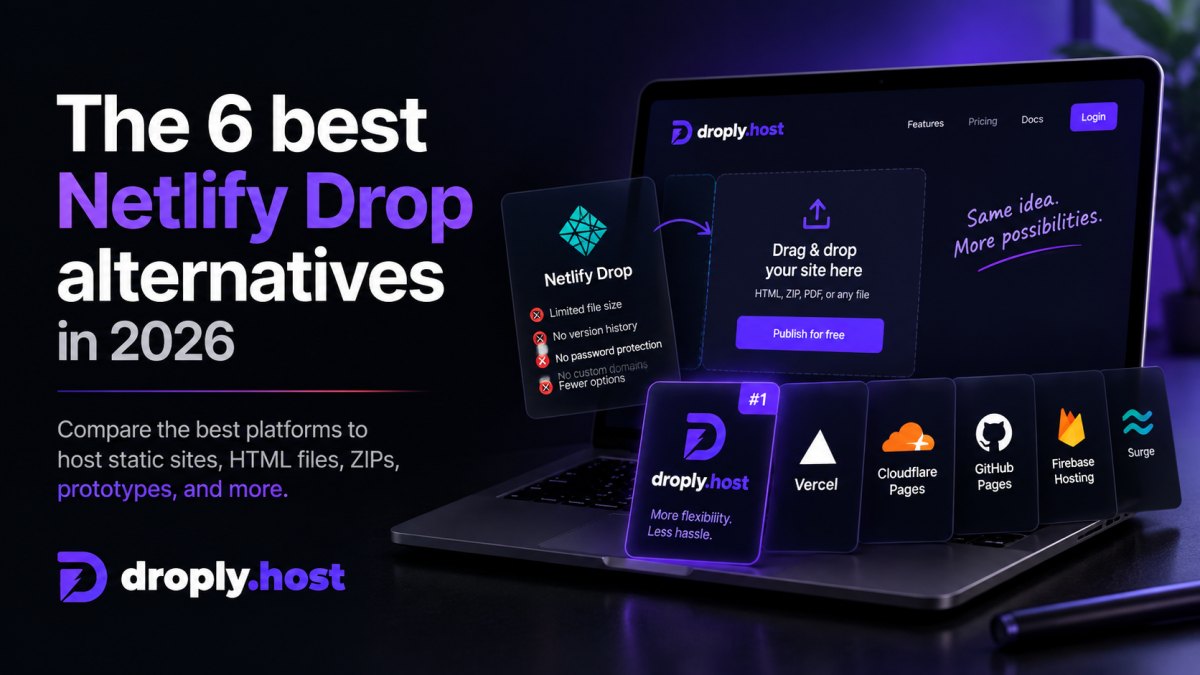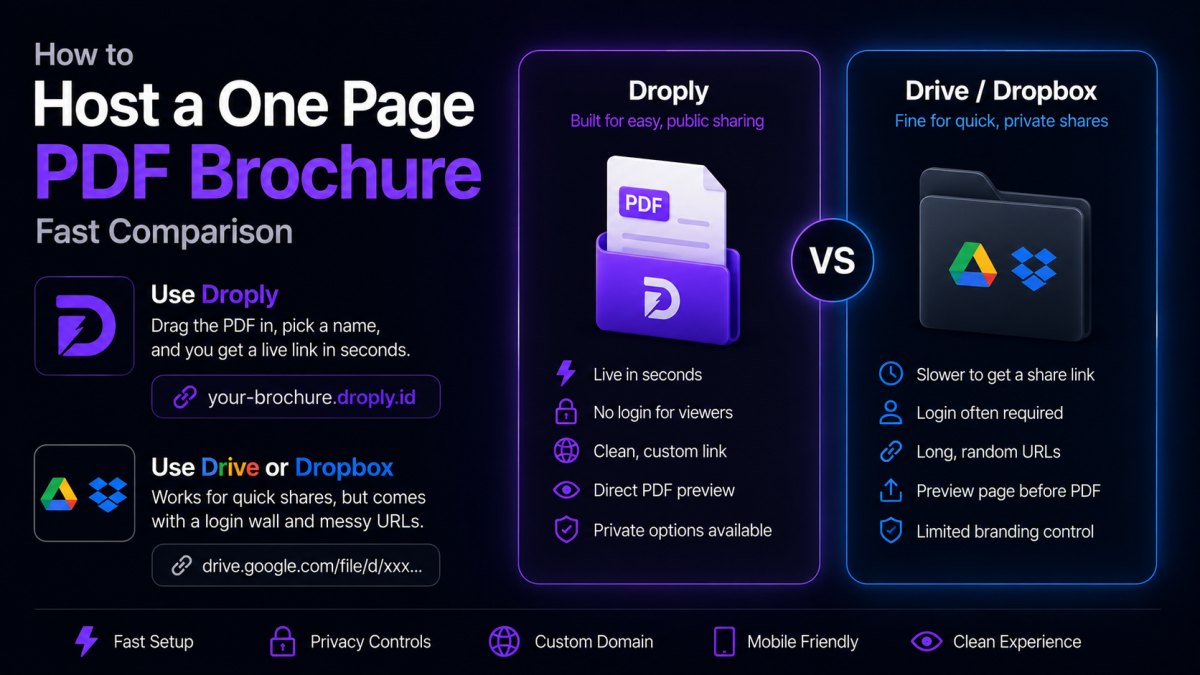
If you have a folder of HTML, CSS, and JS sitting on your desktop, the question is simple: what is the fastest, most reliable way to put it online? Two options come up often, Droply and Vercel. This droply vs vercel comparison walks through how each platform actually works, where each one shines, and how to decide based on your project rather than hype.
Both can host a static site. But they are built around very different assumptions about who you are and what you are shipping.
The short version
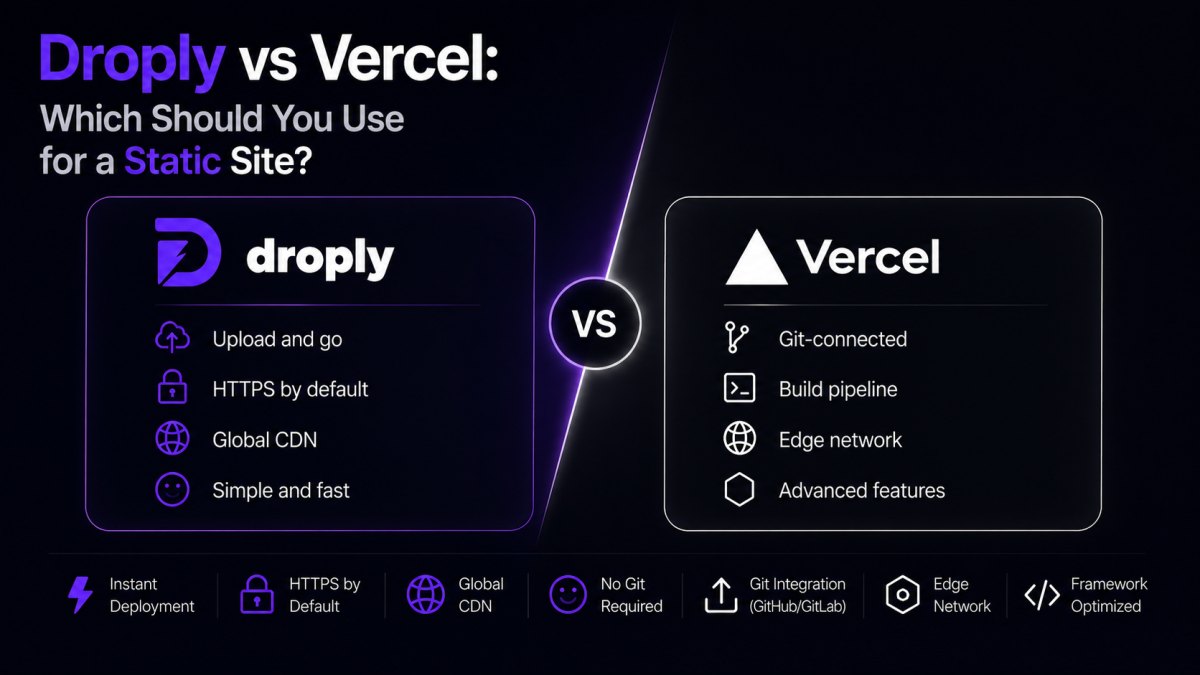
- Droply is a drag-and-drop host for static sites, single HTML files, and PDFs. You drop a file or ZIP, pick a name, and get a live HTTPS URL at
<name>.droply.id. No git, no build step, no config. - Vercel is a full frontend platform built around git and framework builds. You connect a repo, and Vercel builds and deploys your app, with serverless functions, edge middleware, previews per pull request, and a large ecosystem.
If your output is already built and you just need a URL, Droply is faster. If you are building a Next.js app with serverless APIs, Vercel is the natural home.
How the workflows actually differ
Droply's workflow
- Drag an HTML file, a ZIP of a static site, or a PDF into the browser.
- Pick a subdomain.
- Copy the live URL.
That is the whole loop. Re-uploading replaces the content in place, and the URL never changes. There is no CLI to install, no repo to create, no build to configure. Droply is static only, it hosts pre-built output and never runs builds or server-side user code.
Vercel's workflow
- Push your code to GitHub, GitLab, or Bitbucket.
- Import the repo into Vercel.
- Vercel detects the framework, runs the build, and deploys.
- Every push triggers a new deployment; every pull request gets a preview URL.
Vercel is optimized for teams that live in git and want CI/CD as the default. The build system supports dozens of frameworks and adds serverless functions, edge functions, image optimization, analytics, and more.
When Droply is the better fit
You already have built output
If you have a dist/, build/, or _site/ folder, from Astro, Hugo, Eleventy, Vite, or a hand-written HTML file, you do not need a build platform. You need a host. Droply takes the ZIP and serves it. You skip the "connect a repo, wait for a build, debug an environment variable" loop entirely.
You are sharing a one-off page or PDF
Sending a proposal, a landing page mock, a design spec, or an event invite? Droply gives you a clean URL in seconds. Vercel can technically do this, but the setup cost, a repo, a config, a build, is out of proportion to the task.
You are shipping a client prototype
Freelancers and agencies often need to show a client something clickable today, not tomorrow. With Droply, you drop the exported prototype and send the link. On paid plans you can attach a custom domain and remove the "powered by" banner so it looks like your own.
You want a stable URL that never changes
Because re-uploading replaces content in place, you can send a link once and keep updating what lives behind it. Handy for living documents, evolving demos, or pages you iterate on with a client over a week.
You do not want a build pipeline
If your site is plain HTML and CSS, a build pipeline is overhead. Droply removes it.
When Vercel is the better fit
You are building a dynamic frontend app
Next.js with server-rendered pages, API routes, middleware, or ISR, this is exactly what Vercel is built for. Droply cannot run any of it, because Droply does not execute server-side code.
You need serverless functions
If your project depends on backend endpoints, auth, form handling, database calls, third-party API proxies, Vercel's serverless and edge functions solve that in the same platform. On Droply, you would need to host those endpoints somewhere else.
You want git-based CI/CD
Teams that already work in pull requests benefit from Vercel's preview deployments. Every PR gets its own URL for review. If your review process depends on this, Vercel is a strong default.
You want framework-specific optimizations
Vercel's image optimization, font handling, and edge caching are tuned to specific frameworks. If you are deep in that ecosystem, you will feel the benefit.
Where the two overlap
Both platforms:
- Serve static assets over HTTPS with a global CDN.
- Support custom domains on paid plans.
- Give you a working URL without touching a server.
For a plain static site, either will get the job done. The real question is how much machinery you want between your files and the live URL.
A practical decision guide
Ask yourself these questions in order:
- Does my project need server-side code or serverless functions? If yes, use Vercel.
- Is my project a Next.js app or similar framework-heavy application? If yes, use Vercel.
- Do I already have built static output, or a single HTML file or PDF? If yes, Droply is faster.
- Am I sharing a one-off page, prototype, or document? If yes, Droply is faster.
- Do I want to avoid git, builds, and CLI tools for this project? If yes, Droply is the point.
There is no rule that says you must pick one for everything. Many people use Vercel for their production app and Droply for the dozen small pages, prototypes, and shared documents that do not deserve a repo.
What about cost?
Both platforms have free tiers and paid plans. Pricing changes often, so check each provider directly. For Droply, paid plans add custom domains and remove the "powered by" banner, see pricing for details. Compare based on what your project actually needs: bandwidth, custom domains, team seats, and build minutes are the usual variables.
The honest summary
Droply and Vercel are not really competitors so much as tools for different jobs.
Vercel is a frontend cloud. It is powerful, opinionated, and built around git and framework builds. If you are shipping a real application with dynamic behavior, it is a strong choice.
Droply is a static file host with a drag-and-drop interface. It exists for the moments when you have a finished thing, a static site, a PDF, a prototype, and you need it online now, without ceremony.
If you find yourself opening a terminal to deploy a two-page marketing site or a client mockup, that is the moment to try Droply. Drag the file in, pick a name, send the link.