If you need to put a static site, prototype, or PDF on the internet, both Droply and GitHub Pages will get the job done. They take very different paths to get there, though, and the right choice depends on how you work, not which one is "better" in the abstract.
This is an honest look at where each one fits.
The short version
- Use GitHub Pages when your project lives in a Git repository, you want builds tied to commits, and you're comfortable with the GitHub workflow.
- Use Droply when you have a finished file or folder and want it live in seconds without touching Git, CI, or config.
Both host static content over HTTPS. Neither runs server-side code. The differences are about workflow, speed to publish, and what you're hosting.
How publishing actually works
GitHub Pages
GitHub Pages is tied to a Git repository. You push your site's source or built output to a branch, configure Pages in the repo settings, and GitHub serves it from a github.io subdomain or a custom domain you point at it. If your site needs a build step, a Jekyll site, a React app, a static site generator, you typically wire up GitHub Actions to build on every push and deploy the output.
This is excellent if you already use Git. Every change is versioned, rollbacks are a git revert away, and collaborators can open pull requests against your site. The build pipeline is part of the platform.
The trade-off is setup. You need a repo, a branch strategy, and, for anything non-trivial, a working Actions workflow. First-time deploys can take a few minutes once you account for build and propagation.
Droply
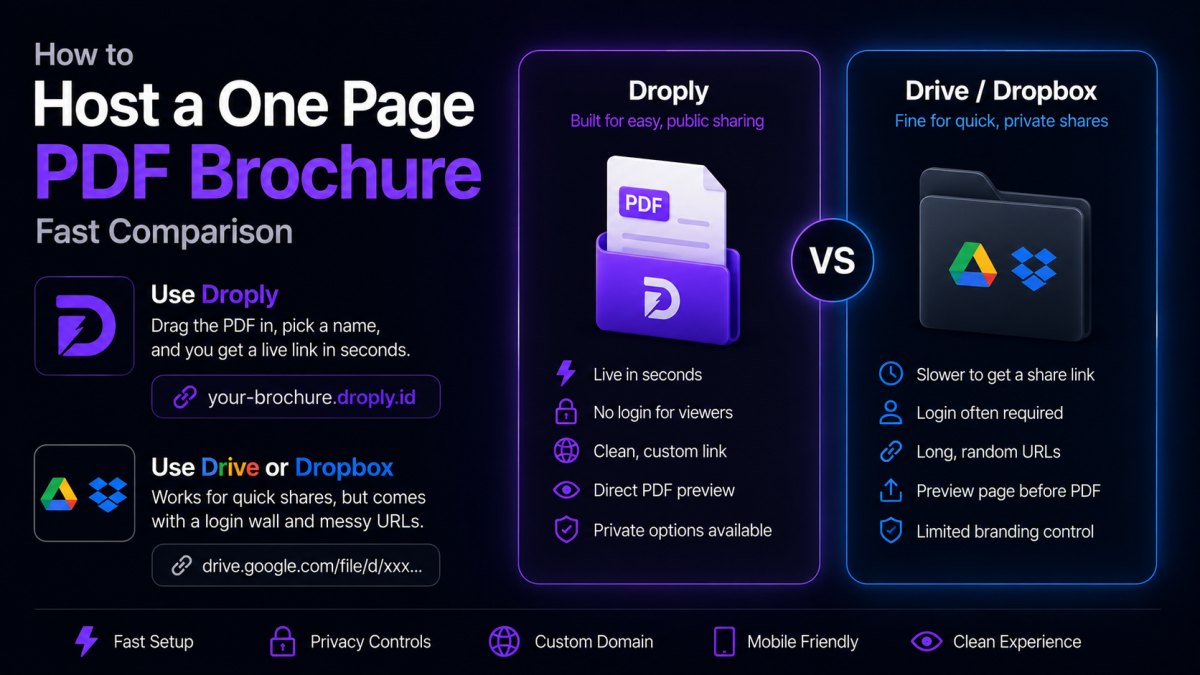
Droply takes the opposite approach. You drag an HTML file, a ZIP of a static site, or a PDF onto the page, pick a name, and you get a live HTTPS URL at <name>.droply.id in seconds. No repo, no build step, no YAML.
Re-uploading replaces the content in place, the URL stays the same. That means you can share a link once and update what's behind it as many times as you want.
The trade-off: Droply hosts pre-built output. It doesn't run a build for you. If you use a static site generator, you run npm run build (or whatever your tool uses) locally, zip the output folder, and drop it on Droply.
Where GitHub Pages is the better fit
You already work in Git. If your site source is in a repo and you're comfortable with branches and PRs, Pages slots into the workflow you already have.
You want builds tied to commits. Continuous deployment from a main branch is a clean model. Every commit is a deploy; every deploy is a commit. You get a clear audit trail for free.
You need PR previews or team review workflows. GitHub Actions plus Pages (or third-party Pages-adjacent setups) can give you per-PR preview URLs and review gates. That's a real win for teams shipping marketing sites or docs.
Your project is open source. Hosting docs for an open source project next to the code on GitHub is the path of least resistance and signals trust to contributors.
You want version history of the site itself. Git already gives you that. Rolling back to last Tuesday's version is one command.
Where Droply is the better fit
You have a finished file or folder to ship right now. A client deliverable, a landing page, a one-pager, a portfolio export from Webflow or Framer, a PDF proposal. Droply is built for the "I just need this online" case.
You don't want to manage a Git repo for a one-off. Not every static asset deserves a repository, a README, and a deploy workflow. Sometimes you just want a URL.
You're sharing a PDF. Droply hosts PDFs as first-class content. On GitHub Pages, you'd commit the PDF to a repo and link to it, workable, but heavier than it needs to be.
You want a stable URL that follows the content, not the file name. Re-uploads on Droply replace the content in place. You can send a proposal link to a client on Monday, update the PDF on Thursday, and the link still works.
You're not technical, or you're handing this to someone who isn't. Drag, drop, done is easier to teach than git push origin main.
You want speed to first publish. From "I have a ZIP" to "here's a live URL" is measured in seconds, not minutes.
Where they're roughly even
- HTTPS by default. Both serve over HTTPS.
- Static hosting. Both serve pre-built static files. Neither runs your server-side code.
- Custom domains. GitHub Pages supports custom domains on free plans. Droply supports custom domains on paid plans, see pricing for details.
- Branding. GitHub Pages doesn't add a banner. Droply's free tier shows a small "powered by" banner; paid plans remove it.
Common scenarios
"I built a React app and want it online."
Either works. GitHub Pages is natural if your source is already on GitHub and you want CI to build on every push. Droply is faster if you just want to npm run build locally, zip the dist folder, and ship it.
"I'm sending a client a proposal PDF." Droply. The drag-and-drop flow, stable URL on re-upload, and PDF-as-first-class support match the use case exactly.
"I'm hosting docs for an open source library." GitHub Pages. Keeping docs next to code is the convention, and Pages integrates cleanly with documentation generators via Actions.
"I exported a site from Figma, Webflow, or Framer." Droply. You have a pre-built folder; you want it online. There's no build pipeline to wire up.
"I'm a team of five shipping a marketing site with review workflows." GitHub Pages, probably. The PR-based review model is hard to replicate with drag-and-drop.
"I built a quick prototype and want to send a link to three people." Droply. Setting up a repo for a prototype is overkill.
How to decide
Ask one question: does your project benefit from being in Git?
If yes, because you want version history, CI builds, PR reviews, or you're already living in GitHub, use GitHub Pages. It's a strong, mature option, and the workflow integration is the whole point.
If no, because you have finished output, you're moving fast, you're sharing a document, or Git is friction you don't need, use Droply. It's built for the moment between "this is done" and "here's the link."
Both tools are good at what they do. They're just aimed at different points in the workflow.