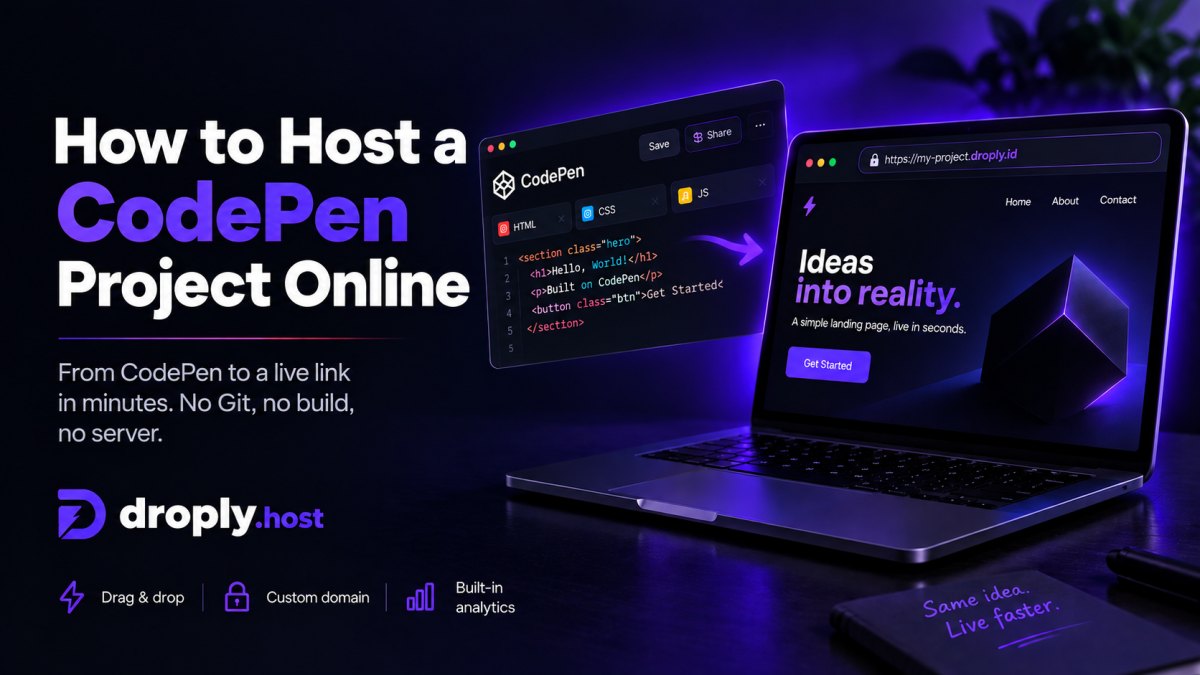
Most portfolios die in the gap between "done" and "deployed." You finish the design, export the files, and then lose an afternoon to DNS, build configs, or yet another dashboard. This guide skips that. It walks through the fastest path from a folder on your desktop to a live HTTPS link you can paste into an email, a job application, or a DM.
The job to be done
A portfolio is a static artifact. It is HTML, CSS, images, maybe some JavaScript. It does not need a database, a server runtime, or a CI pipeline. What it actually needs is:
- A public URL over HTTPS
- A way to update content without breaking the link
- An option to swap in a custom domain later
That is the whole list. Anything more is overhead.
The fastest path with Droply
Droply is a no-code host for pre-built static sites. You drag files in, pick a name, and you get a live URL at <name>.droply.id. No git, no build step, no server config.
Step 1: Get your portfolio into one of three shapes
Droply accepts three things:
- A single HTML file, useful for one-page portfolios, resumes as web pages, or a single case study
- A ZIP of a static site, the normal case for most portfolios, including those exported from Framer, Webflow, Figma Sites, or built with tools like Astro, Eleventy, Hugo, Next.js (static export), or plain hand-written HTML
- A PDF, if your portfolio lives as a polished PDF and you just need a link to share it
If you have a dist/, build/, out/, or public/ folder from a static site generator, zip the contents of that folder, not the folder itself. The index.html should be at the root of the zip.
Step 2: Drop, name, ship
Open Droply, drag the file or zip in, pick a subdomain, and confirm. Within a few seconds you have a live URL like yourname.droply.id served over HTTPS. Send it.
That is the entire deploy process. There is no build log to watch, no environment variable to set, no framework to detect.
Step 3: Update without breaking the link
When you want to add a new case study or fix a typo, re-upload to the same site. The content is replaced in place and the URL stays the same. This matters more than it sounds, the link you pasted into a recruiter's inbox last week still works after you update the site today.
Step 4: Add a custom domain when you're ready
Paid plans let you point your own domain at the site and remove the "powered by" banner. You can ship on a droply.id subdomain today and move to yourname.com later without rebuilding anything. Pricing details are on the pricing section.
Why this beats the usual options for a portfolio
There are plenty of ways to host a portfolio. Most of them are overbuilt for the job.
vs. Git-based hosts (Netlify, Vercel, Cloudflare Pages)
These are excellent platforms. They are also designed around a workflow: connect a repo, configure a build, deploy on push. That workflow is great if you are actively developing. It is friction if you exported a finished site from Framer and just want a URL.
With Droply you skip the repo, the build configuration, and the framework detection. You also skip the failure modes that come with builds, the dependency that broke, the Node version mismatch, the env var you forgot. There is nothing to build because Droply only hosts pre-built output.
vs. GitHub Pages
GitHub Pages works, but it assumes you are comfortable with git, branches, and a gh-pages workflow. It is awkward for designers who do not live in a terminal, and the setup time for a custom domain is non-trivial. Droply is a drag-and-drop, no-git path to the same outcome.
vs. A traditional web host or VPS
If you are paying for shared hosting or running a small VPS for a portfolio, you are doing system administration for a job that does not require it. SFTP, file permissions, TLS certificates, server updates, none of that is part of shipping a portfolio. Droply removes it.
vs. PDFs in Dropbox or Google Drive
Linking to a PDF on a file-sharing service works, but the viewer is clunky, the URLs are ugly, and the experience varies by browser. If your portfolio is a PDF, uploading it to Droply gives you a clean subdomain link and a proper HTTPS URL, the same shareability without the file-share aesthetic.
vs. Framer, Webflow, or Figma Sites' built-in hosting
The built-in hosting in these tools is fine. But two cases push people off it:
- You want to consolidate several projects under one host and one billing line
- You want a clean subdomain or custom domain without the source tool's branding rules
Export the site, drop the zip into Droply, and you have a tool-agnostic host. If you migrate from Framer to Webflow next year, the URL does not have to change.
A realistic checklist before you ship
A portfolio is judged in the first ten seconds. Before you upload, make sure:
index.htmlis at the root of your zip- All asset paths are relative (
./images/foo.png, not/Users/you/Desktop/...) - Fonts and images are actually included, not linked from a local path
- You have a favicon, missing favicons make a site feel unfinished
- The site loads cleanly with no console errors when you open
index.htmllocally
If it works when you double-click index.html in your browser, it will work on Droply.
When Droply is not the right tool
Be honest about the use case. Droply hosts static output. It does not run server-side code, does not execute builds, and does not provide a database. If your portfolio includes a contact form that needs a backend, use a third-party form service (Formspree, Basin, Tally) and embed it. If you need server-rendered pages or dynamic routes that depend on a runtime, you want a different category of host.
For the actual job of getting a portfolio in front of someone, which is what 95% of portfolios need, static is the right answer, and fast static is the best answer.
Ship today, polish later
The biggest mistake with portfolios is treating the deploy as the last step. Ship a working version on a Droply subdomain now. Send the link. Then iterate: add a project, swap a screenshot, refine the copy, re-upload. The URL stays the same. The portfolio gets better. The opportunity does not wait for your custom domain to propagate.
Drag, name, ship. That is the workflow.