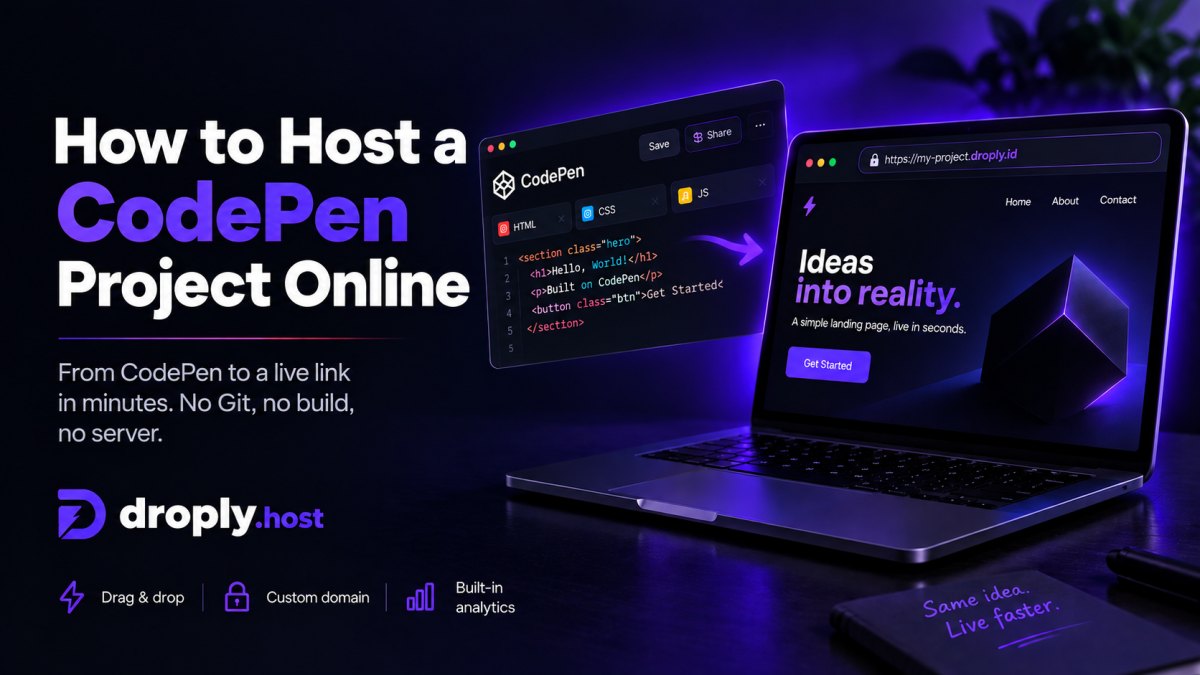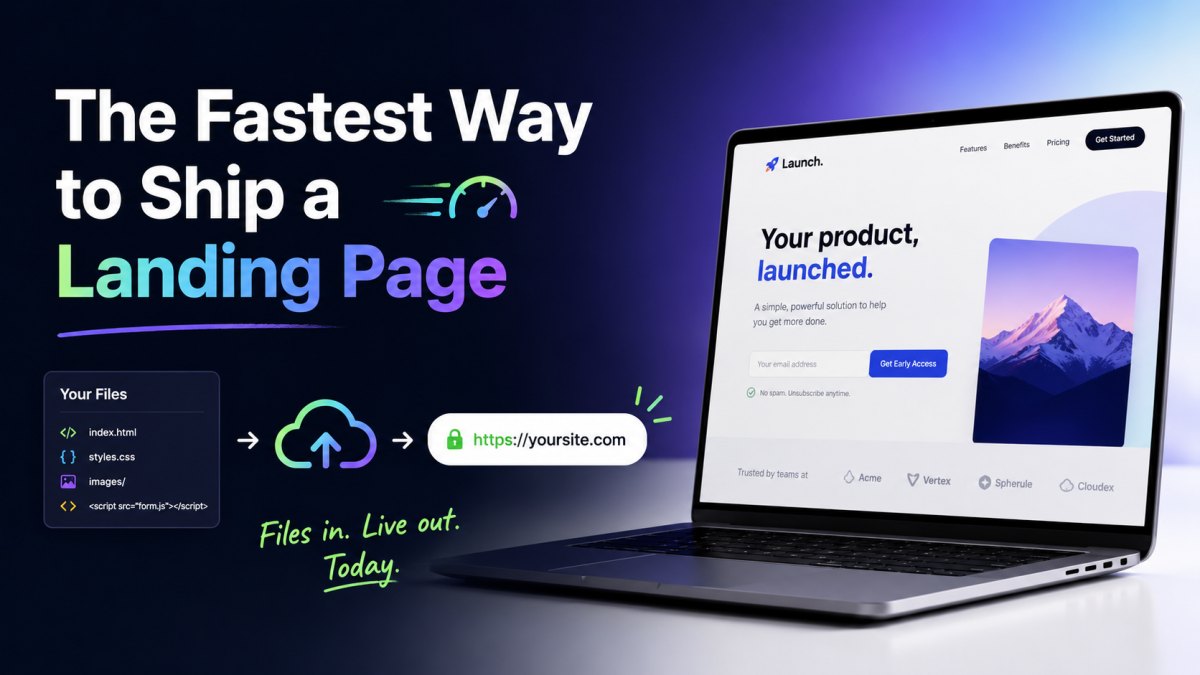
You have a landing page. It's an index.html, maybe a styles.css, a couple of images, and a script tag pointing at a form provider. You want it live, on HTTPS, today. Not next sprint. Today.
This guide walks through the shortest path from "files on my laptop" to "URL I can text to a client," and why that path beats the usual alternatives for one-page sites, launch pages, and short-lived campaigns.
The 60-second path with Droply
The whole flow has three steps.
1. Get your files into a single folder
A landing page is usually one of these:
- A single
index.htmlfile with inline CSS and a few external assets via CDN. - A folder with
index.html, astyles.css, animages/directory, and maybe ascript.js. - An export from a design tool like Framer, Webflow, Figma Sites, or a static site generator (Astro, Eleventy, Next.js static export, Hugo).
If it's a folder, zip it. Make sure index.html is at the top level of the zip, not nested inside another folder. That's the single most common reason a deploy looks broken on the first try.
2. Drag it onto Droply
Open droply.host, drag the file or zip onto the upload area, and pick a name. That name becomes your subdomain: pick acme-launch and you get acme-launch.droply.id.
You can also drag a single HTML file directly. No zip needed for one-pagers.
3. Open the link
That's it. HTTPS is already on. The certificate is already valid. You can share the URL immediately.
If you spot a typo or want to swap a hero image, fix it locally, re-upload, and the same URL now serves the new version. The URL never changes, so anything you've already shared keeps working.
Why this beats the usual options
There's nothing exotic about static hosting. The question is friction. For a landing page, here's how the common alternatives actually feel in practice.
vs. a git-based platform (Vercel, Netlify, Cloudflare Pages)
These are excellent products, but they assume you want a pipeline: a repo, a branch, a build command, environment variables, preview deploys per PR. For a real application, that's the right tradeoff. For a one-page launch site that someone designed in an afternoon, you're setting up CI to ship a file that doesn't need to be built.
If your page is already built, exported from a design tool, written by hand, or output by a generator you ran locally, you don't need a build step in the cloud. You need a URL. Droply skips the pipeline and just hosts what you already have.
vs. spinning up your own server
A VPS plus Nginx plus Let's Encrypt plus a deploy script is maybe two hours the first time and twenty minutes every time after. It's also a server you now own: patches, renewals, log rotation, the certificate that quietly expired the week you were on vacation.
For a static landing page there's no upside to running infrastructure. You're not executing server code. You just need files served over HTTPS.
vs. a site builder
Squarespace, Wix, Carrd, Framer-hosted, and similar tools are great when you want to design in the tool. They're frustrating when you already have the page built and just want to host it. You end up rebuilding the design inside their editor to match what you already had in code.
Droply is the opposite tradeoff: bring your own HTML, keep full control of the markup, and skip the editor entirely.
vs. GitHub Pages
GitHub Pages works, and it's free, but it expects a repo and a specific structure, custom domains take some DNS wrangling, and propagation isn't always instant. If your page never needs version control, a lot of landing pages don't, a repo is overhead you can skip.
When this approach is the right fit
Drag-and-drop static hosting is at its best for:
- Launch and pre-launch pages. A waitlist, a "coming soon," a product announcement.
- Campaign landing pages. One URL per campaign, often built from a template, often replaced or retired in a few weeks.
- Client deliverables. Send a working link instead of a zip the client has to figure out how to open.
- Prototypes and design reviews. A real URL feels different from a Figma frame; stakeholders interact with it more honestly.
- Documentation and one-page docs sites. Output from MkDocs, Docusaurus, or a hand-written HTML page.
- PDFs and assets. Pitch decks, press kits, brand guidelines, anything you'd otherwise email around.
It's not the right fit when you need server-side rendering, a database, authenticated routes, or anything that runs code on each request. Droply only hosts pre-built static output; it doesn't execute server-side user code.
Practical tips for landing pages
A few small things that make the difference between a deploy that works first try and one that doesn't.
Keep paths relative
Use ./styles.css and ./images/hero.jpg, not /styles.css. Relative paths work the same locally and on any host, which makes debugging trivial. Absolute paths sometimes work, sometimes don't, depending on where files end up.
Put index.html at the root of your zip
If you zip a folder called landing/, the zip's top level is landing/, not index.html. Either zip the contents of the folder, or be aware that the served root will be one level down.
Inline what you can
For a true one-pager, inline your CSS and small SVGs into the HTML. One file is one upload, one place to edit, and no broken-path debugging.
Use a CDN for fonts and analytics
You don't need to host webfonts, analytics scripts, or form endpoints yourself. Link to them. The page stays small and the deploy stays simple.
Pick a memorable subdomain
acme-launch.droply.id is fine for sharing internally or with a client. When you're ready to put the page in front of customers, paid plans add custom domains and remove the "powered by" banner, see /#pricing.
The mental model
Treat hosting like a file copy, not a deployment. You have files. They need to live at a URL. Drag, name, done. If the files change, drag again. The URL stays the same.
For landing pages, prototypes, and most one-off pages, that's the entire model you need. Everything else, CI, repos, build pipelines, servers, is infrastructure you're paying for in time. If your page doesn't need it, don't carry it.
Ship the page. Move on.