

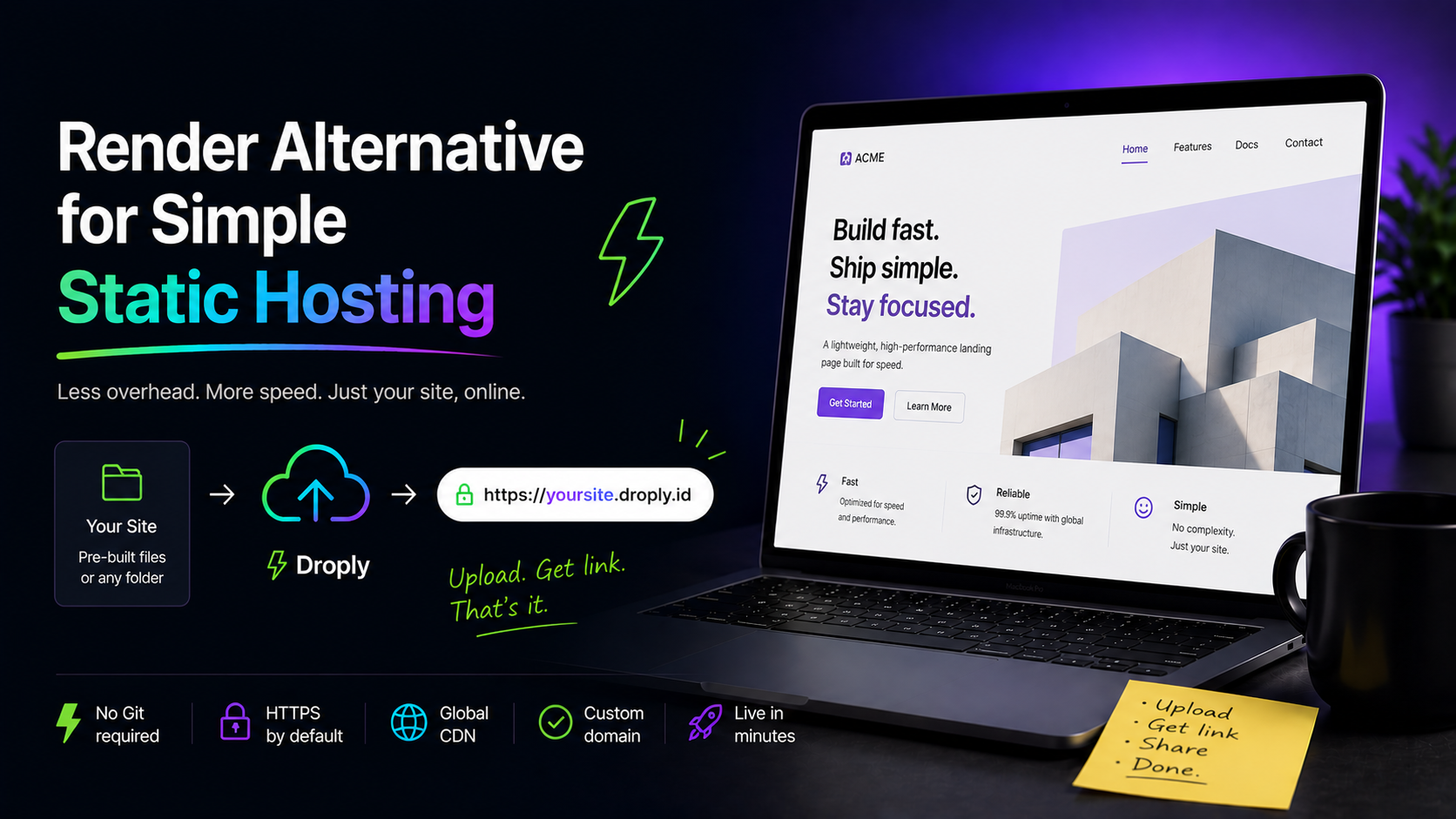
Render is a solid platform. It runs services, databases, cron jobs, background workers, and static sites — all wired to your Git repository with build pipelines and previews. That breadth is the point. But if your actual job is "put this folder on the internet," most of that machinery is overhead you never use.
This article is for people in that situation. It explains who should consider Droply instead of Render for static hosting, what Droply does differently, and how to move a pre-built site over in a few minutes.
Who should consider switching
Render makes sense when you need a backend, a database, scheduled jobs, or a full CI pipeline tied to Git. If you have any of those needs, stay where you are.
You should consider Droply if you recognize yourself in any of these:
- Freelancers and agencies shipping client microsites, landing pages, or campaign one-pagers. You build locally, you export, you hand off a URL.
- Designers sharing prototypes — a Figma export, a hand-coded mockup, a single-page concept.
- Indie developers publishing project docs, a portfolio, or a marketing page generated by Astro, Hugo, Eleventy, or Next.js static export.
- Founders who need to put a pitch deck PDF or a launch page online today, not after configuring a build environment.
- Anyone maintaining a static site that only changes occasionally, where setting up Git-based CI for every edit is more friction than the edit itself.
The common thread: your output is already a folder of HTML, CSS, JS, and assets. You don't need a runtime. You don't need a build server. You need hosting.
What Render does
Render's static site product builds your code on their infrastructure. You connect a Git repository, define a build command (npm run build, hugo, astro build, whatever), specify a publish directory, and Render runs the build on every push. The output gets served behind a CDN with HTTPS.
That model is great when:
- You want every commit to trigger a deploy.
- You want preview URLs for pull requests.
- Your team works in Git and treats the repository as the source of truth.
- You want the same dashboard managing your API, your database, and your frontend.
It's friction when:
- You don't use Git for this project.
- You build locally and don't want a remote build environment to match.
- You're hosting a file someone else generated.
- You're publishing something that isn't the output of a build at all — a single HTML file, a PDF, a ZIP from a designer.
What Droply does differently
Droply does one thing: it hosts pre-built static output.
You drag an HTML file, a ZIP of a static site, or a PDF into the dashboard. You pick a name. You get a live HTTPS URL at <name>.droply.id in seconds. There is no Git connection, no build command, no publish directory configuration, no build minutes, no environment variables for a build that isn't happening.
A few specifics that matter:
- No build step on our side. Droply serves the files you upload. Whatever your local toolchain produces is exactly what goes live. This also means there's nothing to misconfigure remotely.
- Re-uploading replaces in place. The URL never changes. If you re-export your site and drag the new ZIP over, visitors hit the new version on the same address. No redeploy pipeline to wait on.
- Static only. Droply does not run server-side user code. If you need an API, a database, or a worker, Droply is not the right tool — and Render genuinely is.
- Custom domains and removing the "powered by" banner are on paid plans. See pricing.
The trade-off is intentional. Render gives you a build platform; Droply gives you a drop target.
When to stay on Render
To be fair: don't switch for the sake of switching.
Keep Render if you want commits to auto-deploy, if you rely on PR previews, if your team's workflow is Git-first, or if your static site lives next to a Render-hosted API and you want one bill and one dashboard. Those are real benefits and Droply doesn't try to replicate them.
Switch to Droply if the build pipeline is something you tolerate rather than use — if you'd rather just upload the dist folder and move on.
How to migrate a pre-built site
The migration is straightforward because there's nothing to port. You're not moving a build configuration; you're moving an output folder.
1. Build your site locally
Run whatever you normally run:
npm run buildfor most JavaScript frameworksastro build,next build && next export,vite buildhugooreleventyfor static site generators- Nothing at all if your site is already plain HTML
You should end up with a directory — usually dist, build, public, _site, or out — containing index.html and your assets.
2. Check the output is self-contained
Open index.html in a browser by double-clicking it. If the page loads with styles and images, you're ready. If assets 404, your build is referencing absolute paths that depend on a specific host setup; fix the base path in your framework's config and rebuild.
3. Zip the output directory's contents
Important: zip the contents of the output directory, not the directory itself. The ZIP should contain index.html at the top level, not dist/index.html.
On macOS, select all files inside dist, right-click, "Compress." On Windows, select all files, right-click, "Send to → Compressed folder." On Linux, cd dist && zip -r ../site.zip ..
4. Upload to Droply
Open the Droply dashboard, drag the ZIP in, and pick a name. Your site is live at <name>.droply.id within seconds.
5. Update the URL where needed
Point any links, email signatures, or social profiles at the new URL. If you're on a paid plan, attach your custom domain.
6. For future updates
Rebuild locally, re-zip, drag the new ZIP over the existing site in the dashboard. The URL stays the same. The content updates.
The summary
Render is a build platform that also hosts static output. Droply is a static host with no build platform. If your workflow already produces a finished folder, the build platform is the part you can drop. Upload the folder, get a URL, move on to the next thing.
Pricing details are on the pricing page.