

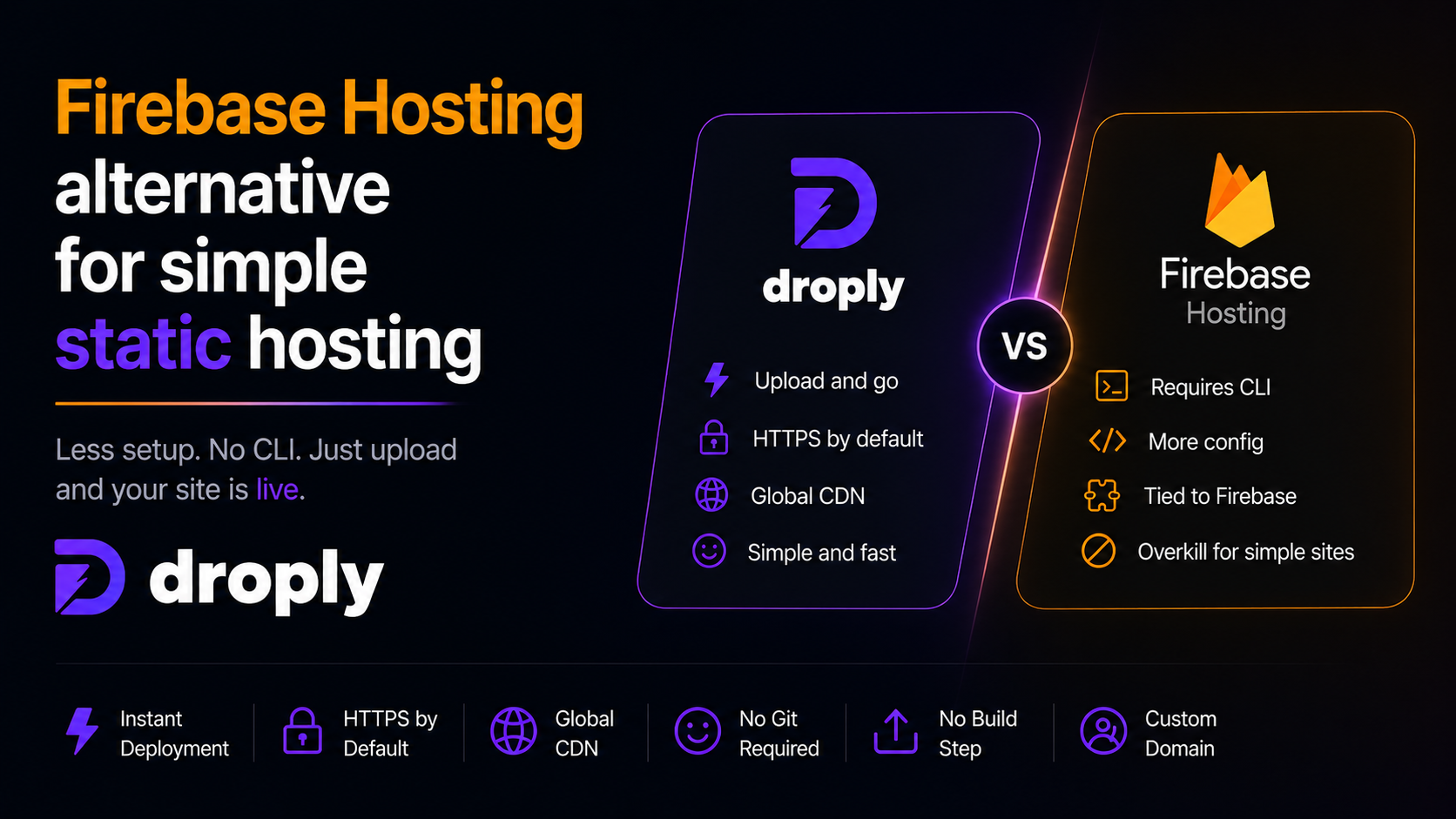
Firebase Hosting is a solid product, but it is not always the right fit for a single-page portfolio, a client prototype, or a one-off landing page. If you have ever installed the Firebase CLI just to ship a folder of HTML, you already know the friction. This article is a practical look at a lighter firebase hosting alternative for simple static hosting: Droply. We will cover who should consider switching, what Droply does differently, and how to move a pre-built site over without touching a terminal.
When Firebase Hosting is more than you need
Firebase Hosting is designed to sit inside the wider Firebase and Google Cloud ecosystem. That is a strength when you are also using Firestore, Cloud Functions, Authentication, or Analytics. It becomes overhead when you are not.
You are probably over-tooled for the job if any of these sound familiar:
- You are shipping a static HTML file, a ZIP export from a design tool, or a small React or Vite build.
- You do not use any other Firebase services on the project.
- You install the Firebase CLI, run
firebase login,firebase init, andfirebase deployfor every small update. - You have a
firebase.jsonand a.firebasercthat you have to keep in sync across machines. - You share prototypes with clients and just need a URL that works.
None of this is a knock on Firebase. It is a knock on using a full deployment platform to host what is essentially a folder.
What Droply does differently
Droply is a static-site and file host built around one idea: drag, drop, share. There is no CLI, no build step, no config file.
No build step, ever
Firebase Hosting itself does not build your project either, but most workflows around it assume you run a build locally or in CI, then deploy the output. Droply removes that layer entirely because it only hosts pre-built output. If you already have an index.html, a dist/ folder, or a PDF, that is what gets served. Droply never runs your code, never installs dependencies, and never touches a node_modules directory.
That has two useful consequences:
- Deploys are effectively instant. There is no queue, no build container, no cold cache.
- There is no build to break. If it works when you open
index.htmllocally, it works on Droply.
Drag, drop, live URL
The core flow is:
- Drag an HTML file, a ZIP of a static site, or a PDF into the browser.
- Pick a name.
- Get a live HTTPS URL at
yourname.droply.id.
No account juggling, no project IDs, no hosting targets. This is the main reason people look for a firebase hosting alternative in the first place: they want to skip the setup and just get a link.
Re-uploads keep the same URL
When you push a new version to Firebase, you get a new deploy under the same hosting site. Droply works similarly in intent but simpler in practice: re-uploading replaces the content in place, and the URL never changes. You can send a client a link on Monday, ship three revisions during the week, and they keep using the same URL.
Custom domains on paid plans
Firebase Hosting supports custom domains on all tiers. Droply supports custom domains on paid plans, along with removing the small "powered by" banner shown on free sites. Pricing details live on the pricing section.
Who should consider switching
Droply is a good fit if you are:
- A freelancer or agency shipping client prototypes and want a link within seconds.
- A designer exporting from Framer, Figma Sites, Webflow, or a static site generator, and just need somewhere to put the export.
- An indie developer hosting a portfolio, a docs page, or a small landing page.
- A founder who needs to publish a pitch deck PDF or a coming-soon page today, not after configuring a CLI.
Droply is not a fit if you need server-side rendering, dynamic APIs on the same host, edge functions, or tight integration with a backend like Firestore. In those cases, Firebase Hosting or a full platform is still the right call. Droply is intentionally static only: pre-built output is hosted, and no server-side user code ever runs.
How to migrate a pre-built site from Firebase Hosting
Because Firebase Hosting also serves static output, migration is straightforward. You already have the artifact you need.
Step 1: Locate your build output
Open your project and find the folder Firebase was deploying. In firebase.json, look for the hosting.public field. Common values are:
publicdistbuildout
That folder is exactly what Droply expects.
Step 2: Confirm it is fully static
Before uploading, sanity-check the folder:
- There is an
index.htmlat the root. - Asset paths are relative (for example
./assets/main.css) or root-relative (/assets/main.css), not hardcoded to a Firebase domain. - You are not depending on Firebase Cloud Functions, rewrites to functions, or server-side redirects. Client-side routing in a single-page app is fine.
- Any environment-specific config, like API endpoints, is already baked into the build.
If your app talks to Firestore, Firebase Auth, or any other API from the browser, that still works from Droply. Only server-side Firebase features would be a blocker.
Step 3: Zip and upload
Zip the contents of the folder, not the folder itself. In other words, the ZIP should contain index.html at its root, not dist/index.html.
Then in Droply:
- Drag the ZIP into the upload area.
- Pick a name, for example
acme-preview. - Wait a couple of seconds for the URL to go live at
acme-preview.droply.id.
Open it, click through, and confirm everything renders.
Step 4: Point your domain (optional)
If you were using a custom domain on Firebase, you can move it to Droply on a paid plan. Update your DNS records to the values Droply provides, wait for propagation, and you are done. Until DNS switches, both URLs can coexist, so there is no downtime window.
Step 5: Iterate
When you make changes, re-export or rebuild locally, zip the output, and drop it back into the same Droply site. The URL stays the same, so any links you have shared keep working.
The short version
Firebase Hosting is a capable platform, especially when you are already invested in the Firebase ecosystem. But if you are hosting a single static site and installing a CLI to do it, you are paying a complexity tax you do not need to pay. A dedicated firebase hosting alternative like Droply trades the ecosystem depth for a much shorter path from file to live URL: drag, drop, share, and re-upload whenever you want, without changing the link.