

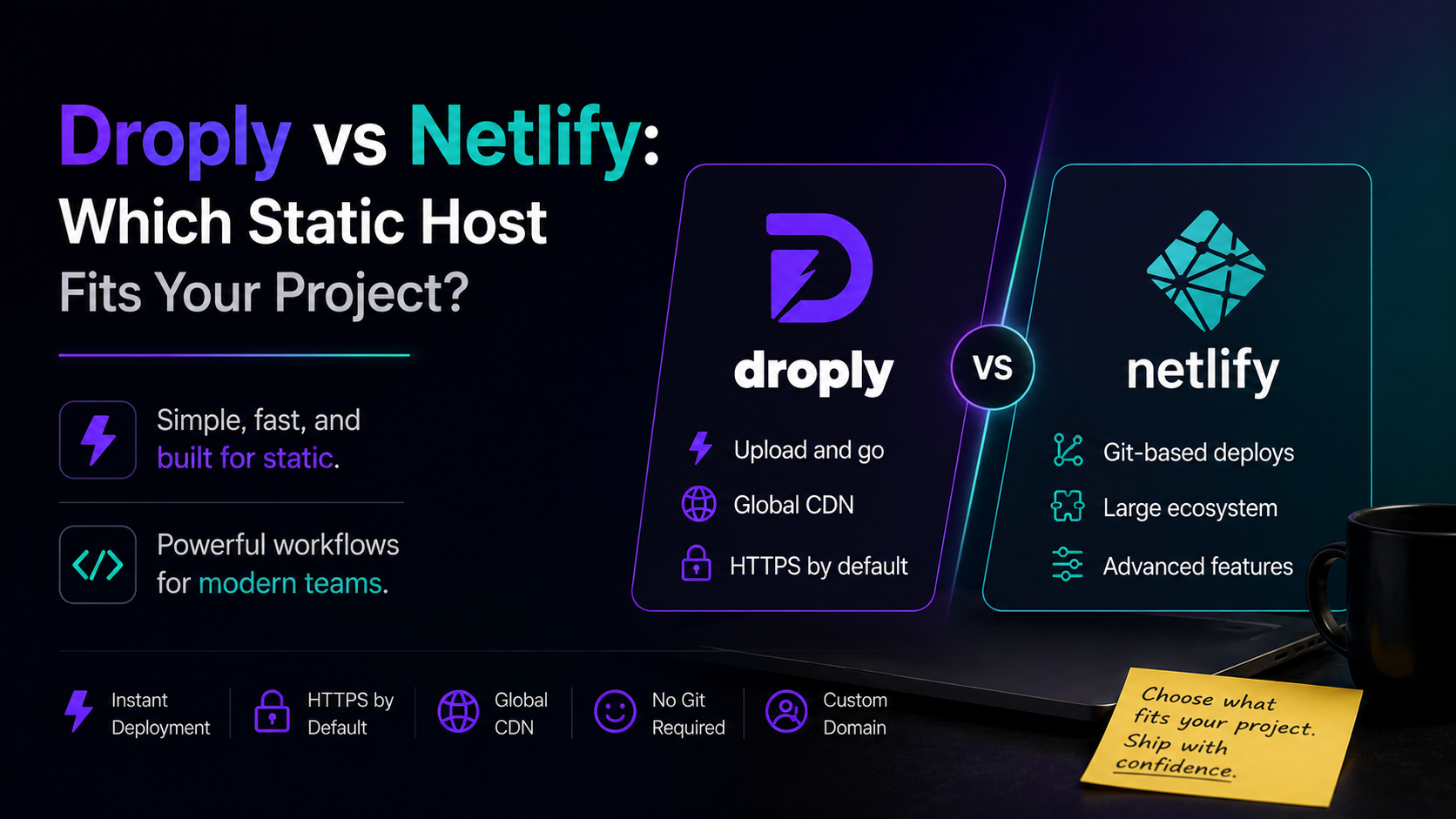
Picking a static host used to be simple: upload files, get a URL. Then build pipelines, edge functions, and Git integrations turned "hosting" into a platform decision. If you're weighing Droply vs Netlify for a static site, a prototype, or a one-off deliverable, this guide breaks down where each one actually fits.
Both are solid tools. They just optimize for different workflows.
The short version
- Droply is built for the fastest possible path from a finished file to a live HTTPS URL. Drag an HTML file, a ZIP of a static build, or a PDF, name it, done.
- Netlify is built around a Git-connected build pipeline, with a broad platform of features layered on top: functions, forms, identity, edge, analytics, and more.
If your work is already built and you just need to ship it, Droply is usually faster. If your project lives in a repo and benefits from CI/CD, previews per pull request, and serverless features, Netlify is designed for that.
What Droply does well
Droply is a static-only host with a deliberately narrow scope. You upload a file or ZIP, pick a name, and get a live URL at <name>.droply.id in seconds. Paid plans add custom domains and remove the "powered by" banner. Re-uploading replaces the content in place, so the URL never changes — useful when a client, teammate, or stakeholder has already bookmarked it.
A few things that make Droply feel different in a Droply vs Netlify comparison:
- No build step on the host. Droply doesn't run builds or server-side code. You bring the pre-built output — the
dist/,build/,out/, orpublic/folder — and Droply serves it. - Drag-and-drop first. There's no CLI to install, no repo to connect, no config file to write. You can ship from a browser in under a minute.
- PDFs and single HTML files are first-class. Hosting a case study PDF, a one-page prototype, or a static export from Figma or Framer is the primary use case, not an edge case.
- Stable URLs across updates. Re-uploads keep the same link, which matters when you're sharing work with clients or reviewers.
The tradeoff is scope. Droply doesn't do server-side rendering, functions, form handling, or Git-triggered deploys. It's a host, not a platform.
What Netlify does well
Netlify pioneered the "Git push, get a deploy" workflow that most modern static hosts have since copied. Connect a repository, define a build command and publish directory, and Netlify runs your build on every push, generates preview URLs for pull requests, and deploys to a global CDN.
On top of that base, Netlify offers a broad set of features: serverless functions, edge functions, form handling, identity and auth, split testing, and analytics. For teams already working in Git with a full development workflow, that platform depth is the main draw.
Netlify also supports drag-and-drop deploys for static folders, so it can handle simple cases too — the platform is just designed around the assumption that most users will connect a repo.
When Droply is the better fit
Choose Droply when:
- The site is already built. You have an HTML file, a ZIP of a static export, or a folder from a static site generator, and you just need it online.
- You're sharing a prototype or one-off deliverable. Design mockups, HTML prototypes, pitch pages, event microsites, or interactive proposals.
- You're hosting a PDF. Case studies, whitepapers, resumes, product one-pagers — anything you'd otherwise attach to an email or dump in a cloud drive.
- The URL needs to stay stable. Re-uploading in place means the link you shared last week still works after today's revision.
- You want zero setup. No CLI, no account for every collaborator, no
netlify.toml— just upload and share. - Your client or teammate isn't a developer. Handing off a Droply upload is easier than teaching Git.
Agencies and freelancers get a lot of mileage out of this. You export from your tool of choice — Webflow, Framer, Astro, Eleventy, Next.js static export, plain HTML — and ship the output. If the client wants a change, you update the file locally and re-upload. Same URL.
When Netlify is the better fit
Choose Netlify when:
- Your project lives in Git. You want every push to trigger a build and deploy automatically.
- You need preview deploys per pull request. Reviewers should see the branch, not the main site.
- You need serverless functions, forms, or auth. Contact forms with server-side handling, API routes, gated content.
- You're running a production app. A marketing site with heavy traffic, a documentation portal, or a customer-facing product where the full platform pays off.
- Your team is comfortable with build configs. You're fine setting a build command, publish directory, environment variables, and redirects.
If your work has moved beyond a static folder and into an application with a build pipeline, Netlify's platform is designed for it.
Droply vs Netlify at a glance
Deployment model
- Droply: Upload a file or ZIP. No build runs on the host.
- Netlify: Connect a Git repo; Netlify runs your build. Drag-and-drop is also supported.
Setup time
- Droply: Seconds. Browser only.
- Netlify: Minutes to hours, depending on repo, build config, and integrations.
Best for
- Droply: Static sites, prototypes, PDFs, client deliverables, one-off pages.
- Netlify: Git-based teams, apps with build pipelines, projects needing functions or forms.
URL stability on updates
- Droply: Same URL every time you re-upload.
- Netlify: Same URL on production deploys; preview deploys get unique URLs.
Custom domains
- Droply: Available on paid plans (see pricing).
- Netlify: Available, including on the free tier.
Server-side features
- Droply: None by design — static only.
- Netlify: Functions, edge functions, forms, identity, and more.
A practical way to decide
Ask two questions:
- Does my project have a build step I want the host to run? If yes, Netlify is the natural fit. If the output is already built, or there's no build at all, Droply removes friction.
- Do I need server-side features? Functions, form handling, or auth push you toward Netlify. Pure static content — including PDFs and prototypes — fits Droply.
Many teams end up using both. Netlify for the main product site that ships from a Git repo. Droply for the constant stream of prototypes, client mockups, PDFs, and campaign pages that don't need a build pipeline and shouldn't take an afternoon to set up.
Try the fast path
If most of what you ship is finished static output — and you're tired of wiring up a Git repo for every one-off page — Droply is worth trying. Drag your file in, share the link, move on. When a project grows into something that needs a full build pipeline, Netlify will be there.
For anything that just needs to be online now, that's the shortest distance between "done" and "shared."