

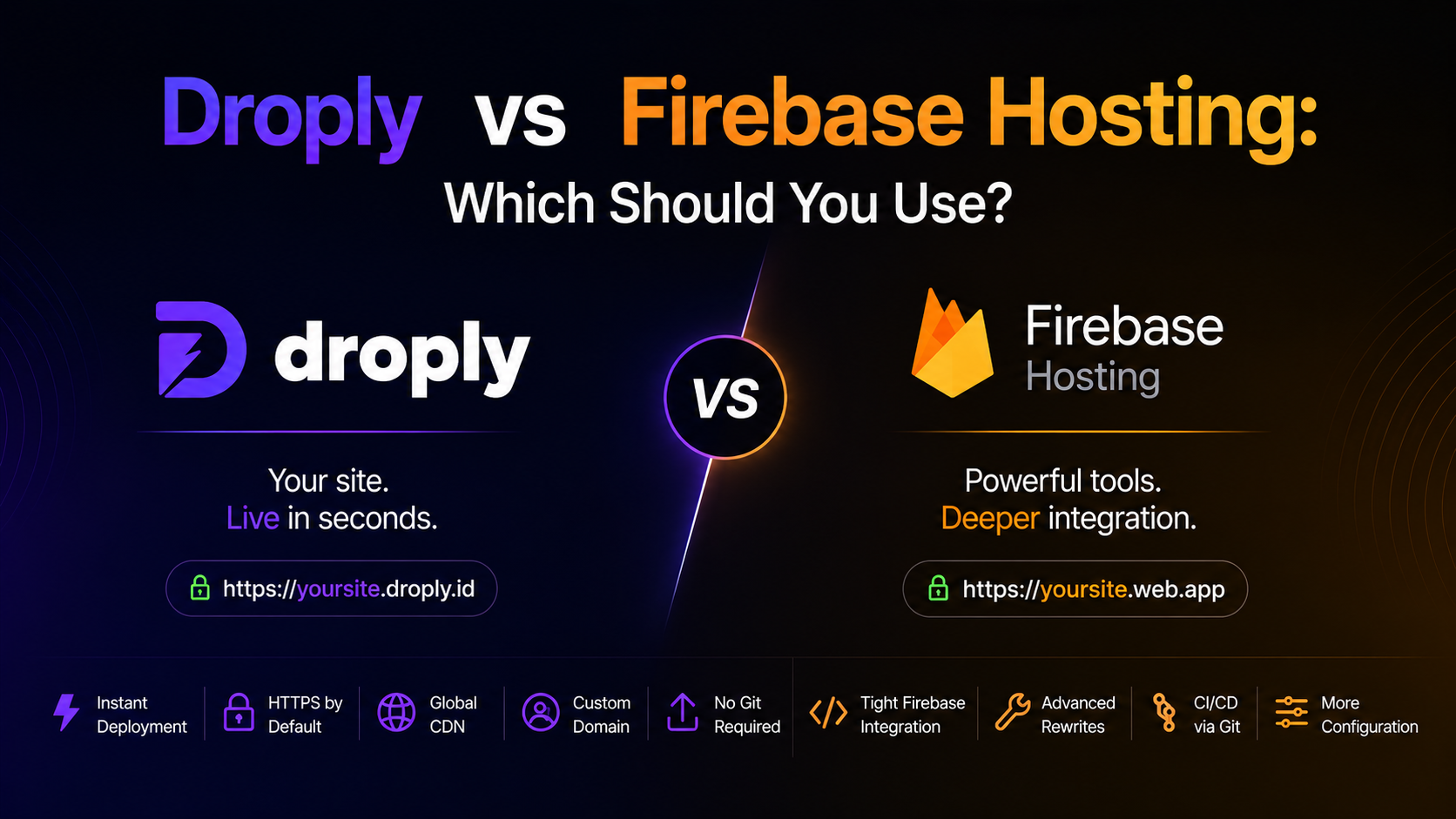
If you need to put a static site, prototype, or document on the web today, you have more good options than ever. Two of them sit at very different points on the spectrum: one is a full cloud platform, the other is a drag-and-drop host built for speed. This Droply vs Firebase Hosting comparison walks through how they actually differ in practice, so you can pick the right one for the job.
The short answer
- Choose Firebase Hosting if you're already building on Google Cloud, want to pair hosting with Firebase Auth, Firestore, or Cloud Functions, and don't mind installing a CLI and wiring up a project.
- Choose Droply if you just want to drag an HTML file, a ZIP of a static site, or a PDF into a browser and get a live HTTPS URL in seconds — no CLI, no build config, no Google account.
Both host static content over HTTPS on a global CDN. The difference is everything around that.
What each product actually is
Firebase Hosting
Firebase Hosting is Google's static and dynamic content host, part of the broader Firebase / Google Cloud ecosystem. You install the Firebase CLI, run firebase init, configure a firebase.json, and deploy with firebase deploy. It integrates tightly with other Firebase services — Auth, Firestore, Realtime Database, Cloud Functions — and can route requests to serverless backends. It supports custom domains, preview channels, and rollbacks.
It's a solid choice when hosting is one piece of a larger application you're building on Google's stack.
Droply
Droply (droply.host) is a no-code static-site and file host. You open the site, drag in an HTML file, a ZIP of a pre-built static site, or a PDF, pick a name, and get a live URL at <name>.droply.id in seconds. There is no CLI to install, no config file, no build step. Re-uploading replaces the content in place while keeping the same URL, which makes it easy to iterate or hand off a stable link to a client.
Droply is static-only: it serves pre-built output and never runs builds or server-side user code. Paid plans add custom domains and remove the "powered by" banner.
Setup and workflow
This is where the two feel most different.
Firebase Hosting workflow
A typical first deploy looks like this:
- Create a Google account and a Firebase project in the console.
- Install Node.js and the Firebase CLI (
npm install -g firebase-tools). - Run
firebase loginandfirebase init hostingin your project. - Configure your public directory, rewrites, and headers in
firebase.json. - Run
firebase deployto push.
Once it's set up, subsequent deploys are one command. But the first time — especially for a designer or someone who just wants to share a prototype — that's a lot of steps before anything is online.
Droply workflow
Droply's workflow is intentionally minimal:
- Open droply.host.
- Drag in your HTML file, ZIP, or PDF.
- Pick a name.
- Share the URL.
That's the whole loop. If you rebuild your site locally with whatever tool you like (Astro, Eleventy, Next.js static export, Hugo, Framer export, Figma export, plain HTML), you drag the new output in and the URL stays the same. There is no CLI to keep up to date and nothing to break between deploys.
Feature comparison
Static sites
Both handle static HTML, CSS, JS, and assets well over a global CDN with HTTPS. Firebase gives you more control via firebase.json — custom headers, rewrites, redirects, clean URLs. Droply keeps things simple and just serves your files.
If you need URL rewrites for a client-side router, both work: Firebase via a rewrites rule, Droply by including the SPA's standard 404/index fallback in your build output (most modern SPA build tools handle this automatically).
PDFs and single files
Droply treats a PDF as a first-class thing you can upload directly and get a shareable HTTPS link for. Firebase Hosting can serve a PDF, but you have to include it in your project directory and deploy the whole site to update it. For "I need to send a client a link to a PDF proposal today," Droply is the shorter path.
Dynamic backends
Firebase wins by design here. If your site needs authentication, a database, file uploads, or server-side logic, Firebase Hosting connects cleanly to Firebase Auth, Firestore, Storage, and Cloud Functions.
Droply is static-only. You can still call third-party APIs from client-side JavaScript in your uploaded site (Supabase, a form endpoint, an analytics service, your own API), but Droply itself will not run backend code for you.
Custom domains
Both support custom domains. On Firebase, it's included with the free tier. On Droply, custom domains are a paid-plan feature — see pricing for details.
Team workflow
Firebase supports project members, roles, and preview channels for pull-request-style review. Droply is optimized for individuals and small teams who want to move fast without ceremony. If your team lives in git and wants preview URLs per branch, Firebase (or a git-native host) fits better. If your workflow is "designer exports a build, sends a link," Droply is faster.
When to use Firebase Hosting
Pick Firebase Hosting when:
- You're building an app that also needs Auth, a database, or Cloud Functions.
- You want git-based or CLI-based deploys as part of a CI pipeline.
- You need fine-grained control over headers, rewrites, and redirects.
- Your team is comfortable with Google Cloud and wants everything in one console.
When to use Droply
Pick Droply when:
- You have a pre-built static site, prototype, or PDF and want it online in the next minute.
- You don't want to install a CLI, create a Google Cloud project, or write config.
- You want a stable URL you can update in place by re-uploading.
- You're a freelancer or agency sharing work with clients and value speed over configuration.
- You're shipping a landing page, a portfolio, a design handoff, a one-pager, or a document.
Can you use both?
Yes, and plenty of teams do. Use Firebase for your production app that depends on Google's backend services. Use Droply for the marketing site, the pitch deck PDF, the client prototype, the one-off microsite, or the internal doc that just needs a link. They solve different problems.
The bottom line
The Droply vs Firebase Hosting decision comes down to what you're actually shipping. Firebase Hosting is a piece of a larger cloud platform, and it shines when hosting is part of a bigger application. Droply is a focused tool for getting static content online as fast as possible, with no CLI and no config in the way.
If your next task is "put this HTML, ZIP, or PDF on the web and send someone the link," open droply.host, drag your file in, and you'll be done before the Firebase CLI finishes installing.