

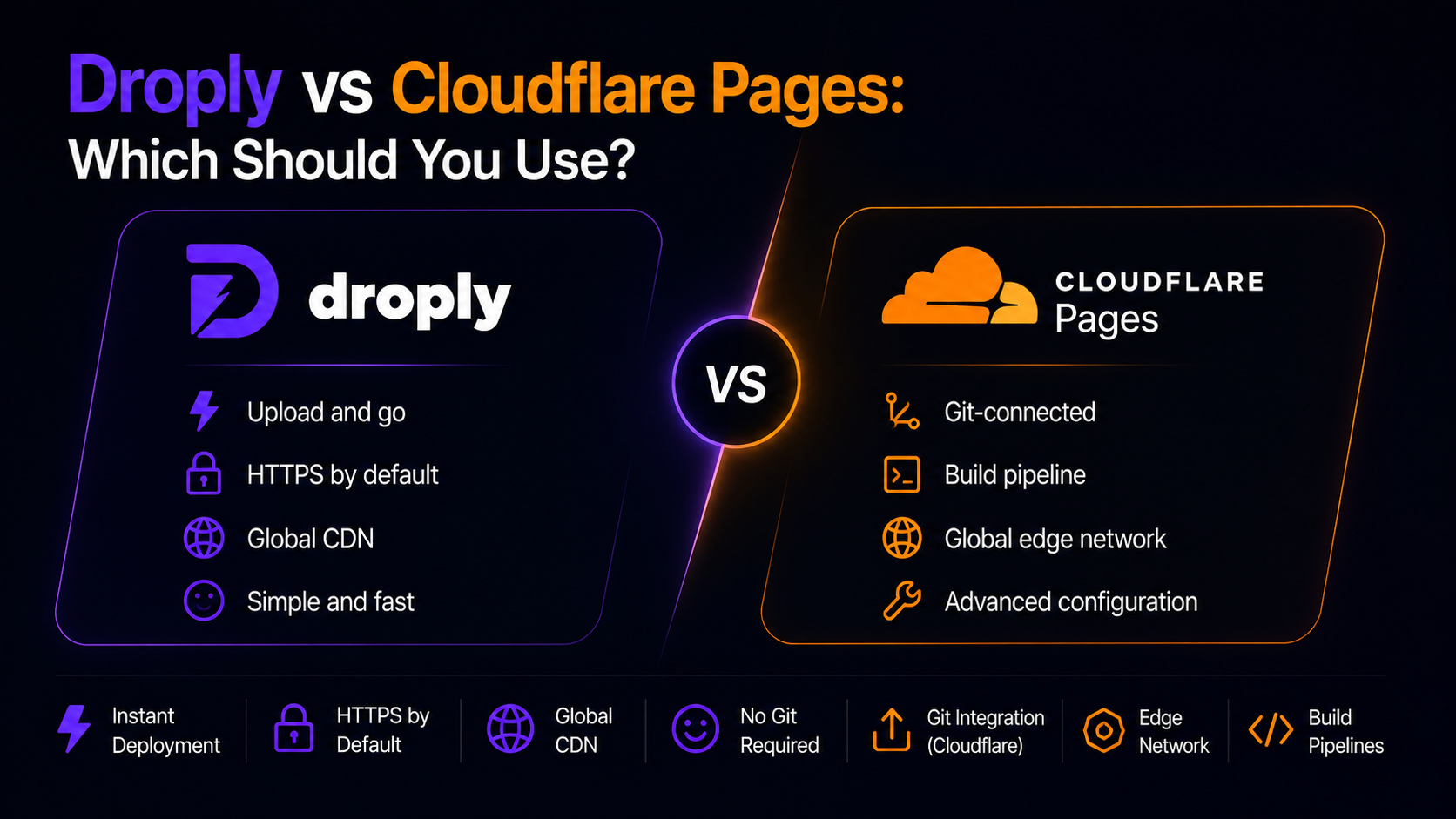
If you need to get a static site, prototype, or PDF online today, you have more good options than ever. Two that come up often are Droply and Cloudflare Pages. Both serve static content over HTTPS on a global network, both are fast, and both can host anything from a landing page to full documentation. But they solve the problem in very different ways.
This guide compares Droply vs Cloudflare Pages across workflow, speed to first URL, custom domains, collaboration, and the kinds of projects each one fits best. By the end you should know which tool matches how you actually work.
The short answer
- Choose Droply if you want to drag an HTML file, a ZIP, or a PDF into a browser and get a live URL in seconds — no git, no build config, no CLI.
- Choose Cloudflare Pages if your project lives in a git repo, you're comfortable configuring a build command, and you want tight integration with the broader Cloudflare stack (Workers, R2, KV, D1).
Both are valid. The question is what your project actually needs.
How each one works
Cloudflare Pages
Cloudflare Pages is a git-integrated platform. You connect a GitHub or GitLab repository, tell it your build command and output directory, and every push triggers a build on Cloudflare's infrastructure. The resulting static files are served from Cloudflare's edge network. You can also use the Wrangler CLI to upload directly, and Pages integrates cleanly with Cloudflare Workers for adding server-side logic.
It's a strong fit for teams already running production sites through a git workflow, especially ones using frameworks like Next.js, Astro, SvelteKit, or Hugo.
Droply
Droply skips the build system entirely. You take pre-built output — an HTML file, a ZIP of a static site, or a PDF — drop it into the browser, pick a name, and get a live <name>.droply.id URL in seconds. Re-uploading replaces the content in place, so the URL never changes. Paid plans add custom domains and remove the "powered by" banner.
Droply is static only. It doesn't run your build steps and it doesn't execute server-side user code. That's the tradeoff: less flexibility for backend logic, dramatically less friction for getting something live.
Droply vs Cloudflare Pages: workflow
This is the biggest practical difference.
Cloudflare Pages workflow:
- Push code to a git repo.
- Connect the repo in the Cloudflare dashboard.
- Configure build command, output directory, environment variables.
- Wait for the build to run.
- Get a
pages.devURL, then optionally attach a domain.
If you already have the repo and the build config, this is smooth. If you don't — say you have a finished HTML export from Figma, a Framer publish, or a client-ready PDF — you have to invent a repo and a build just to host a file.
Droply workflow:
- Drag the file or ZIP into the browser.
- Pick a name.
- Copy the URL.
That's it. There's no build to configure because there's no build to run. If your output is already built, Droply gets you to a shareable link measured in seconds, not minutes.
Speed to first URL
For a fresh project, Cloudflare Pages typically takes a few minutes: creating the repo, connecting it, configuring the build, and waiting for the first deploy. Once it's set up, subsequent deploys happen on every push.
Droply is designed for the case where you don't want to think about any of that. There is no first-time setup for a project — you drop a file and it's live. For quick client previews, one-off landing pages, design handoffs, or hosting a PDF you need to send to someone in the next five minutes, this is a meaningful difference.
Custom domains and HTTPS
Both platforms give you free HTTPS out of the box.
- Cloudflare Pages includes custom domains on all plans, and if your DNS is already on Cloudflare, setup is a couple of clicks.
- Droply serves every site on HTTPS at
<name>.droply.idby default. Custom domains are available on paid plans, along with removing the "powered by" banner. See pricing for the current details.
If you're hosting dozens of small client sites on their own domains, both work; the difference is whether you'd rather manage them via git or via drag-and-drop.
Collaboration and handoff
Cloudflare Pages assumes contributors have git access. That's great for engineering teams and a friction point for everyone else. A designer who exports a static site from their tool of choice, or a founder who just wants to share a prototype with an investor, doesn't want to open a pull request.
Droply is built for that handoff. You export whatever your tool produces — Webflow export, Framer export, Figma Sites export, a bundled React or Vue build, a PDF — and drop it in. Anyone on your team who can drag a file can ship a site. When you need to update it, re-upload and the URL stays the same, so links you've already shared keep working.
What each is best for
Cloudflare Pages fits well when
- Your project lives in a git repo and you want deploys on every push.
- You're using a framework with a real build step and want it to run on the platform.
- You need to combine static assets with Workers for API routes or edge logic.
- You want to sit inside the broader Cloudflare ecosystem (R2, KV, D1, Access).
Droply fits well when
- You have pre-built output — HTML, ZIP, or PDF — and just need a URL.
- You're shipping client previews, prototypes, landing pages, or documentation.
- You want non-developers on the team to be able to publish and update content.
- You want the URL to stay stable across updates without configuring anything.
- You need to share a PDF (a proposal, a brochure, a spec) on a real HTTPS link instead of an email attachment.
Can you use both?
Yes, and many teams do. A common split:
- Cloudflare Pages for the main marketing site or app that lives in a repo and gets frequent code changes.
- Droply for everything on the side: campaign microsites, client previews, one-off launches, docs exports, PDFs, and prototypes that don't belong in the main repo.
Using the right tool for each job keeps your production pipeline clean and lets small things stay small.
Making the call
The Droply vs Cloudflare Pages decision usually comes down to one question: do you have a build step you want the platform to run, or do you already have the output?
If you have a repo and a build, Cloudflare Pages is a solid choice with a strong platform behind it. If you have a finished file or folder and you want it online right now — with a stable URL you can re-upload to later — that's exactly what Droply is built for.
Drop a file at droply.host and see how fast the second workflow actually is.